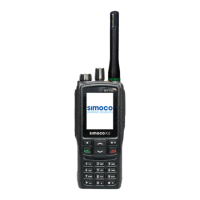
SRP9170/80 P25 Portable Radio – User Manual
© ComGroup Australia 2010 Page 36 TNM-U-E-0091 1.4a
4.2.15.4 More Message View Screen
This screen displays the selected message in full scale – 6 lines of message text per page of
the selected message.
If a message exceeds a screen, the ▼ and ▲ keys can select the other pages.
Pressing “M” or “OK” returns to the “Messages View” pop-up screen.
The “Reset” function key press (if configured), takes the radio back to the default screen
display.


 To Next Page