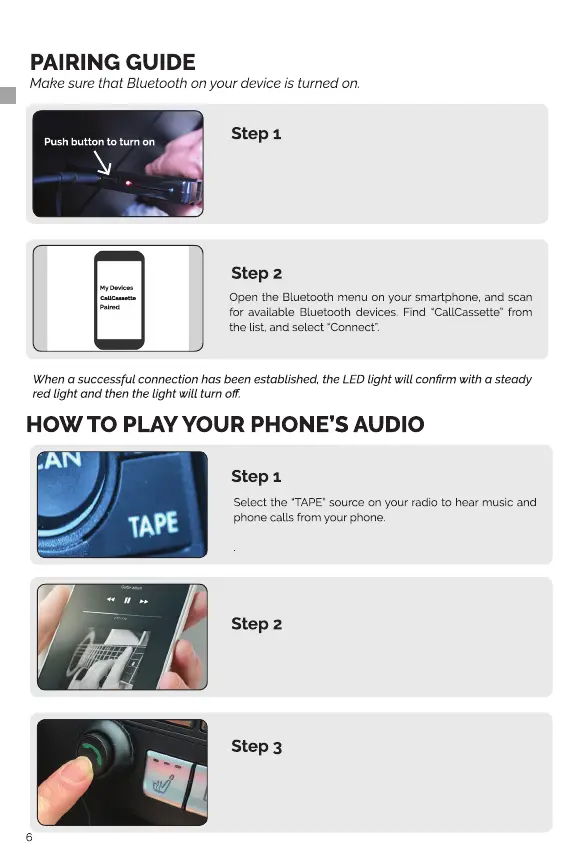
Turn on BTHFS380 by pressing the Power Button on the
CallCassette (A). The LED light will begin ashing red/blue
to indicate power is on and is ready for pairing.
On your device, access your music/media player of choice.
Use the Control Button (B) for functions such as play, pause
and track forward
(Performance and functions may vary depending on the device and app used.)


 To Next Page