6
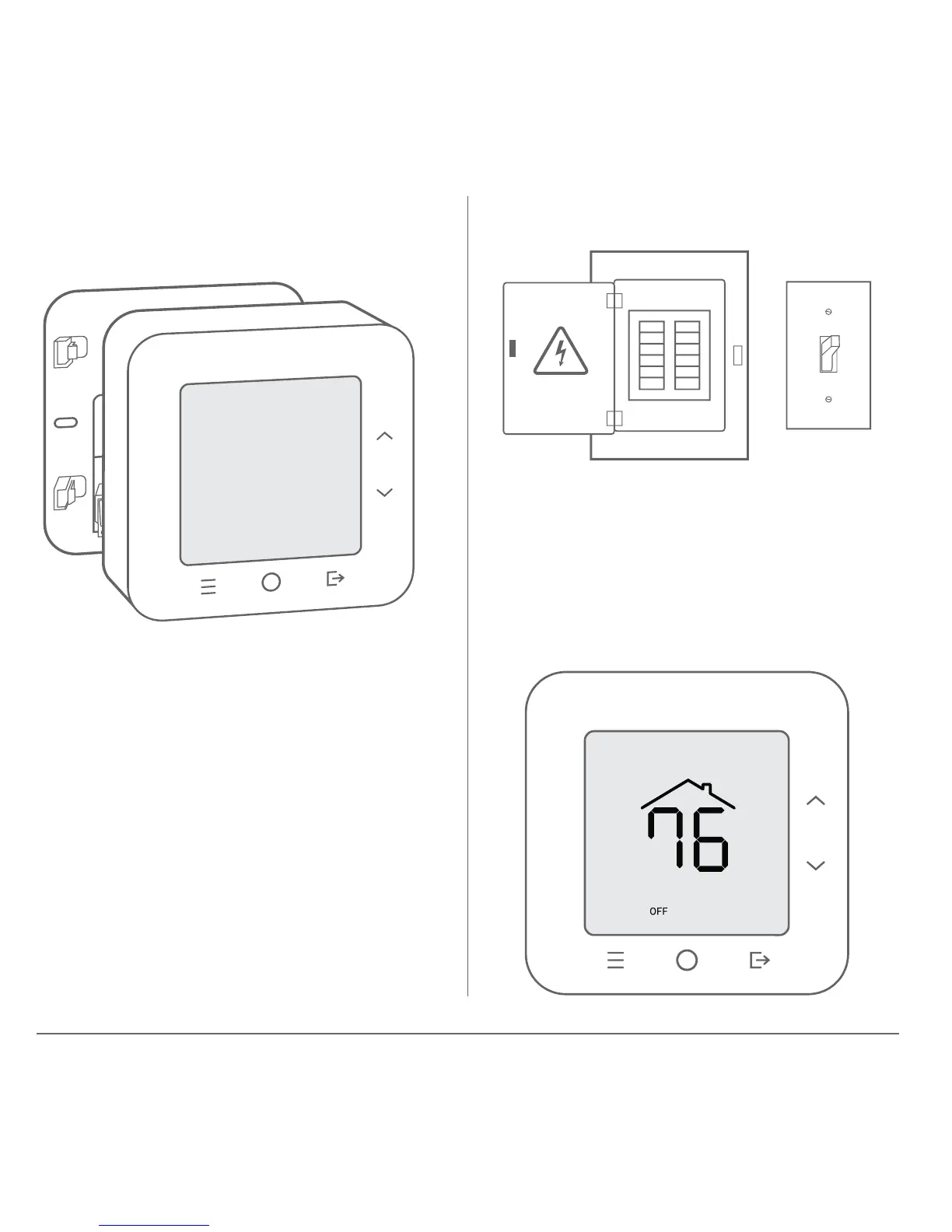
Ensure that all four corners are
snapped into place.
Verify that the thermostat display
turns on. The system will be OFF
when rst installed. Do not press
buttons or change system settings
until it has been fully congured.
Step 8 – Attach thermostat to wall
plate
Step 9 – Turn power back on


 To Next Page