STEP 10
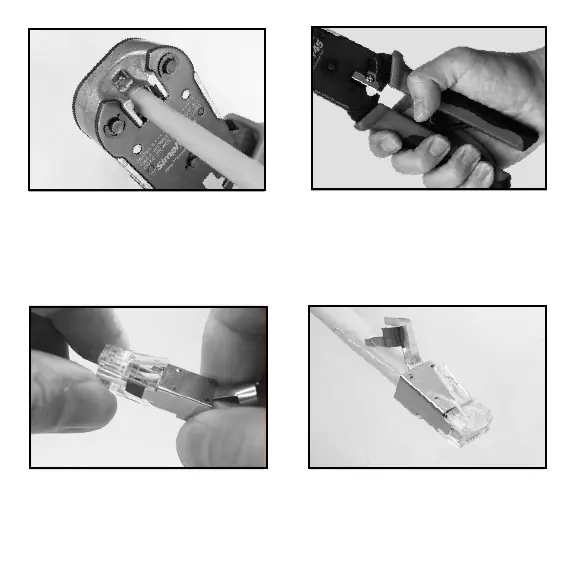
Slide the S45-1150 metal shell over the plug body as shown above. Press-In on the
bottom of the plug as you attach the shell. This will allow the plug to snap into the
metal shell. The drain wire should remain straight back against the cable jacket and
come out of the back of the shell and extend pass the external ground arm.
STEP 8
Insert the loaded plug into the Simply45
Heavy Duty RJ45 Crimp Tool (S45-C100/
S45-C101). Make sure to completely
insert the plug into the crimper socket.
STEP 9
Compress the crimper handles all the
way down with one swift and firm
motion until the handles release.



 To Next Page