STEP 6
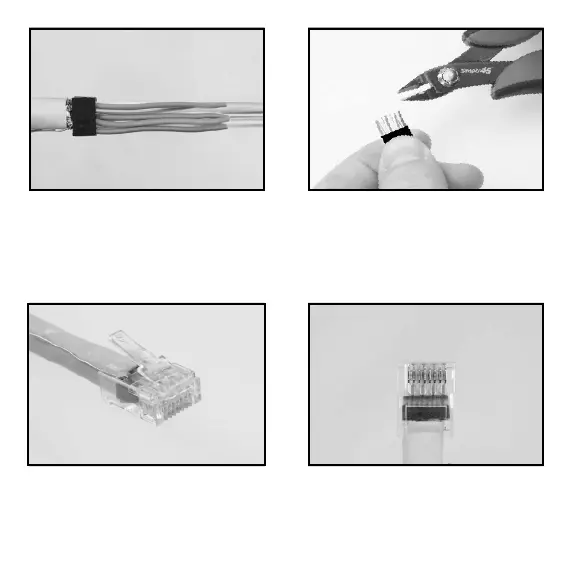
Slide the Bar45 load bar as far back to the cable jacket as you can. [NOTE: This
is important for reducing the length of untwisted wire inside the RJ45 plug and
improving termination performance]. Next, using the S45-801 Flush Cutter, trim the
wire ends straight leaving about 0.4” (1.0cm) protruding past the front of the Bar45
load bar.
STEP 7
Insert the cable with the Bar45 into the plug. Work the cable jacket into the plug
until fully inserted. Looking from underneath the plug, the cable jacket should meet
or come close to the horizontal line (see above). Make sure the drain wire remains
straight down the cable jacket.



 To Next Page