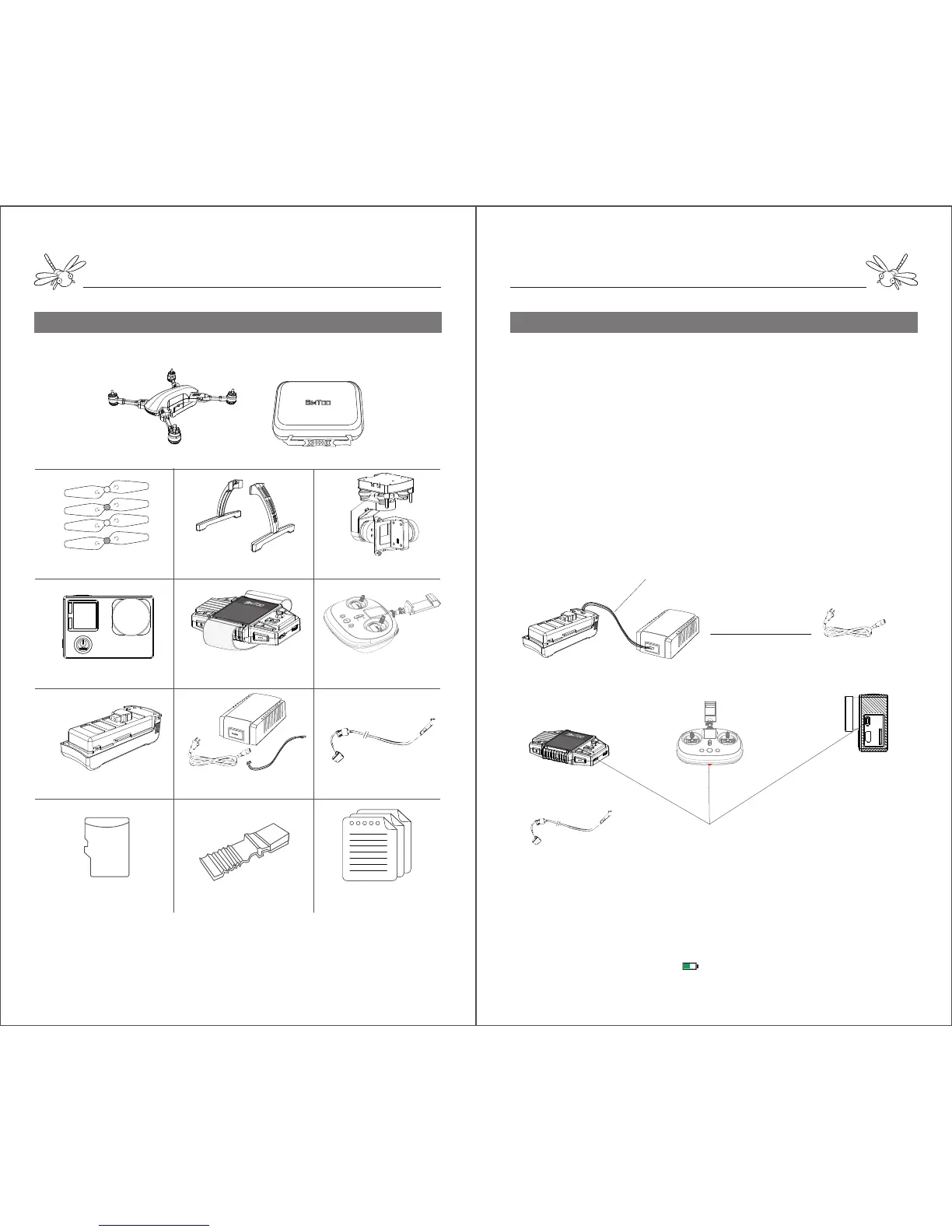
Diagram1:
Battery Charger
Camera Watch remote controller
USB Charge Port
AC Power Cord
Charging Time:
Battery - 2 hours Remote Controller – 6 hours Watch - 1 hour Camera - 2 hours
XH Balance plug
USB Cable
Notes: Insert the XH balance plug into the correct position of battery. Otherwise, the battery
cannot get charged with all 4 LEDs flash continuously. When the remote controller and watch
are charging, the screen will display a indicating the charging progress. The camera will
start charging with red lights on and get fully charged with red lights off.
SD
Box Content
Box Content
Please go through the checklist of items below after unboxing:
The box contents may vary occasionally due to different configurations. Please subject to the
description of the retail store or buying page.
Assembly
Step1.Charging (Diagram 1)
Turn on the battery, remote controller, watch and camera to check
the battery level.
Insert the AC power cord into the charger and plug into a
100-240V AC socket.
Connect the battery with the balance charger with a XH balance
plug.
When the battery is charging, the LEDs will light and indicate the
battery level.
The LEDs on the charger will also flash one by one and indicate the
charging progress.
When all 4 LEDs are lighting, the battery has been fully charged.
The remote controller, watch and camera require the same USB
cable to charge.
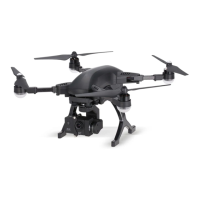
Aircraft x1
SD Card x 1
Hardshell Case x 1
Propeller x 4 Landing Gear x 2 Gimbal x 1
Camera x 1 GPS Watch x 1 Remote Controller x 1
Battery x 1
Balance Charger & Cable x 1 USB Cable x 1
Short Circuit Contactor x 1
User Manual x 1


 To Next Page
 Loading...