12
3.5 Setting PROJECT MENU
PLEASE INPUT THE PASSWORD
PROJECT MENU
OK
0 0 0 0
SORRY, WRONY PASSWORD,
PLEASE INPUT AGAIN.
PROJECT MENU
OK
0 0 0 0
PROJECT MENU
PARAMETERS QUERY
MANUAL DEFROST
STATE QUERY
OK
PROJECT MENU
HISTORY ERROR
CLEAR HISTORY ERROR
SILENT SETTING
OK
1/2
2/2
◆
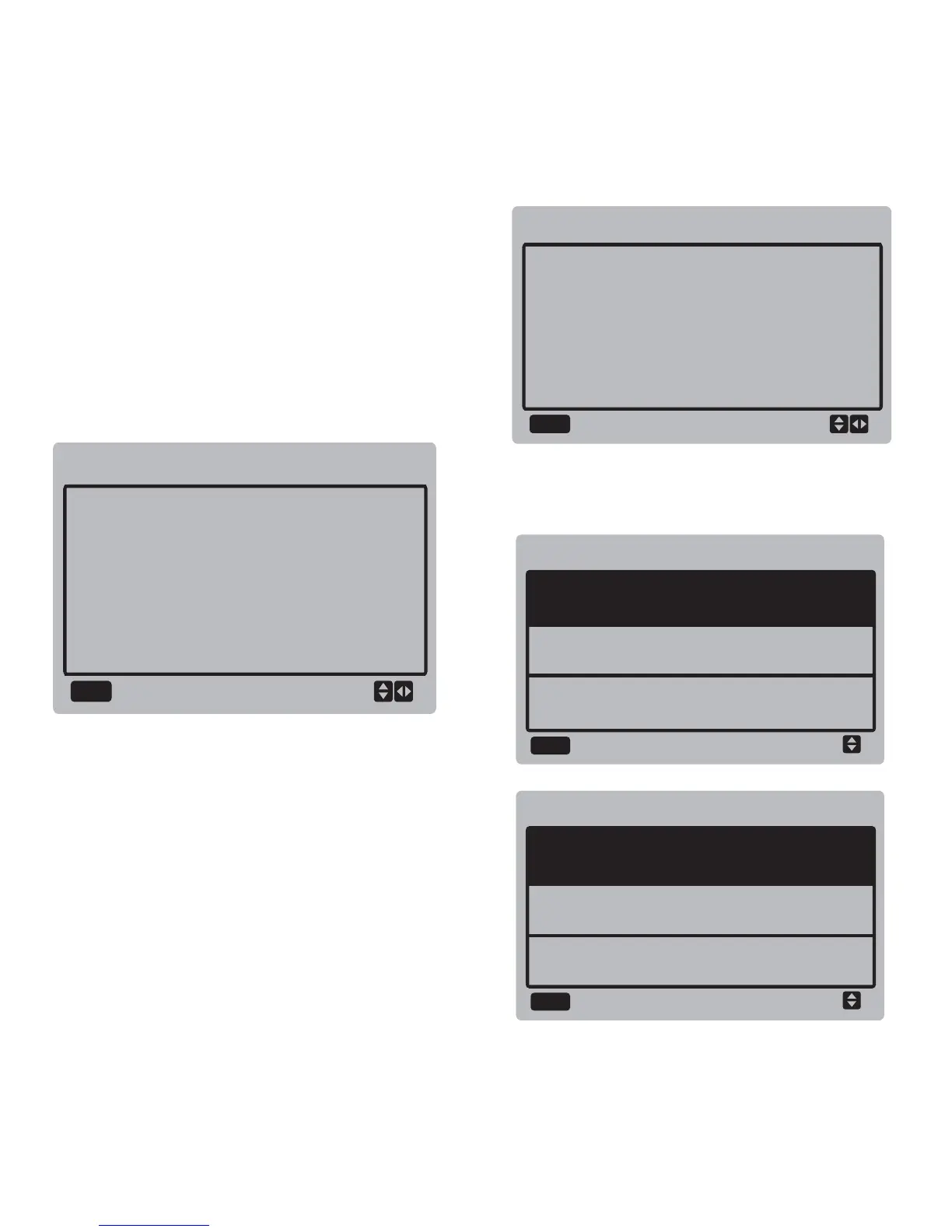
Entering the password:
Select "PROJECT MENU", and press the "OK"
button to enter the menu. The screen prompts
the user to enter the password, as shown
below:
The initial password is 6666 and cannot be
changed. Press the "▲" and "▼" buttons to
change the number to enter, and press the
"◄" and "►" buttons to change the bit code to
enter. After the number is entered, the display
is not changed. After entering the password,
press the "OK" button to enter the interface;
press the "BACK" button to go back to the
previous interface; the display is as follows if
the input is incorrect:
The query interface as follows is displayed if
the input is correct:



 To Next Page