19
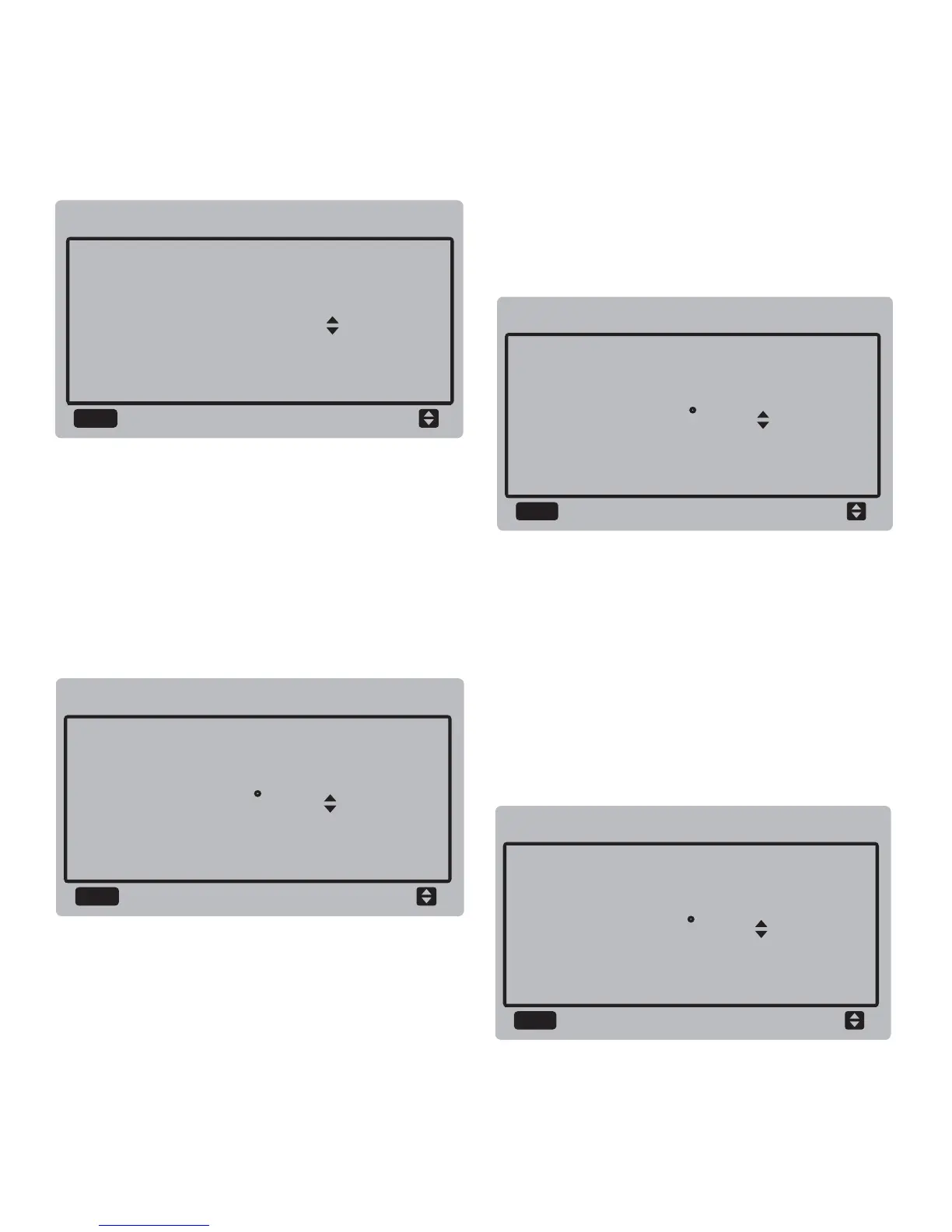
DEFROST CYCLE
35 MIN
SERVICE MENU
DEFROST TEMP.
SERVICE MENU
0 C
OK
OK
EXIT DEFROSTING TEMP.
SERVICE MENU
0 C
OK
MANUAL DEFROST TEMP.
SERVICE MENU
0 C
OK
Press the "▼" and "▲" buttons to adjust the
parameter, and press the "OK" button to save
the setting and return to the previous interface.
Press the "BACK" button to cancel the setting
and return to the previous interface.
b. Defrost temperature:
Select "DEFROST TEMP", and press the "OK"
button to enter the interface. The interface
display is as follows:
Press the "▼" and "▲" buttons to adjust the
parameter, and press the "OK" button to save
the setting and return to the previous interface.
Press the "BACK" button to cancel the setting
and return to the previous interface.
c. Exit defrost temperature:
Select "EXIT DEFROST TEMP", and press the
"OK" button to enter the interface. The
interface display is as follows:
Press the "▼" and "▲" buttons to adjust the
parameter, and press the "OK" button to save
the setting and return to the previous interface.
Press the "BACK" button to cancel the setting
and return to the previous interface.
d. Manual defrost temperature:
Select "MANUAL DEFROST TEMP", and
press the "OK" button to enter the interface.
The interface display is as follows:


 To Next Page
 Loading...