3-1-2. ON / OFF switch:
Switch the Power ON / OFF switch to the OFF position during
installation.
3-1-3. LED Status
Charging Status LED Indication
Fast Charge Blinking Green Fast
Slow Charge Blinking Green Slow
Floating Charge Solid Green
Charging Fault Blinking Red
Bad Battery or Wire Disconnection Blinking Red
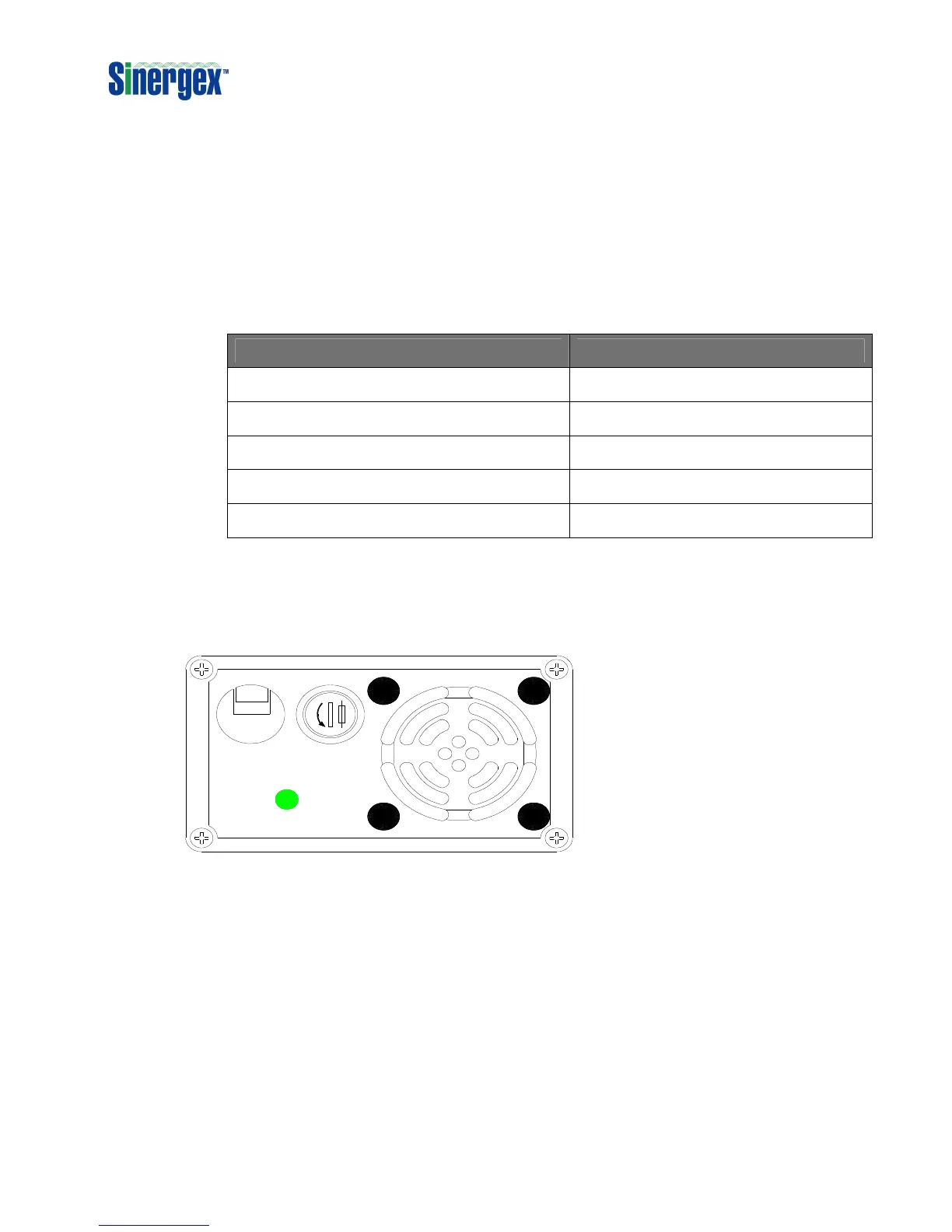
3-2. Rear Panel Operations:
S TATUS
D C
O UT PUT
PUSH
FUSE
D C
3-2-1. Air Vents:
Do not obstruct, allow at least 30 mm for airflow.
3-2-2. DC Output terminals:
Connect to 12V / 24V batteries.
(+) is positive, (-) is negative. Reverse polarity connection will
blow internal fuse and may damage the PureCharge permanently.
7


 To Next Page