EasyManua.ls Logo

Sinexcel SEA400/32-Y-E-P - User Manual

Default Icon
37 pages
Print Icon
To Next Page IconTo Next Page
Loading...

Questions and Answers

Summary

1. Safety

1.1 General Safety Instructions

General safety guidelines for using the EV charger.

1.2 Safety Instructions for Use

Specific safety precautions and actions during EVSE operation.

2. Description

2.1 General Description

Overview of the Interstellar AC charger's technology and features.

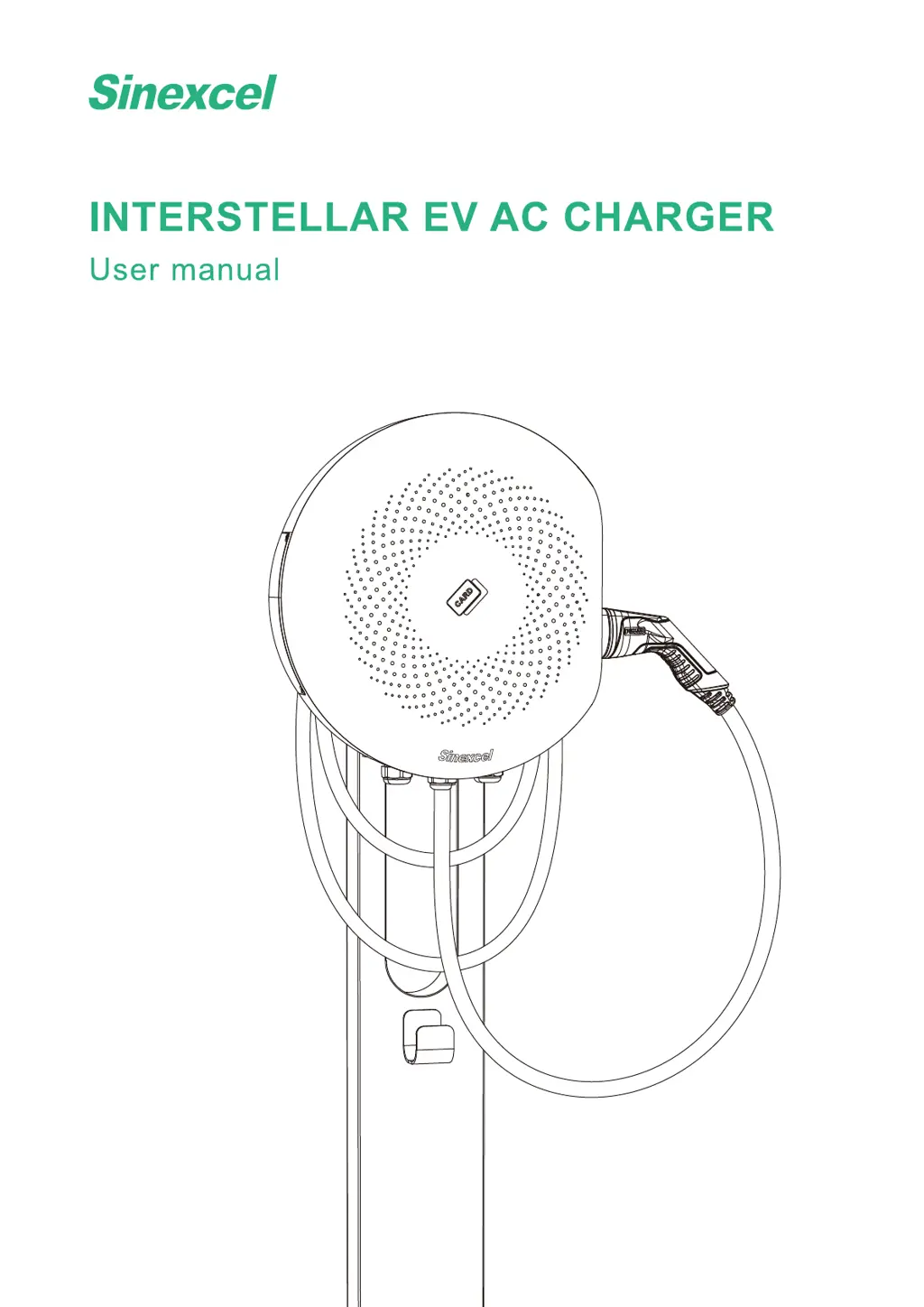
2.2 EVSE Overview

Visual overview of the EVSE's external components and labels.

2.2.2 Internal EVSE Overview

Detailed breakdown of the EVSE's internal components and their functions.

2.2.3 Pedestal and Dimensions

Details on the EVSE pedestal design and product dimensions.

2.3 Working Principle

Explanation of the electrical working principle and diagram of the EVSE.

2.4 Specifications

Technical specifications for the Interstellar EV AC charger, including power and environmental ratings.

2.5 Parts Included in Delivery

List of components and quantities included in the EVSE package for wall-mounting and pedestal.

2.6 Product Model Number

Explanation of the Sinexcel Interstellar EV AC charger product model naming convention.

2.7 Standards Compliance

List of European and industrial standards the EVSE is designed to meet.

3. Operation

3.1 Prepare Before Operation

Pre-operation checks and readiness steps for the EVSE.

3.2 Charging Procedure (with Display)

Steps for charging an EV using the display-equipped EVSE.

3.2.2 Standby and Prepare Screens

Description of EVSE standby and preparation screens for charging authorization.

3.2.4 Start and Stop Charging Screens

Information on EVSE charging start, status display, and stopping procedures.

3.3 Charging Procedure (without Display)

Step-by-step guide for charging an EV using the EVSE without a display.

3.4 Display Interface Navigation

How to enter the administrator interface and navigate display settings.

3.4.2 Setting Time and Time Zone

Procedures for setting the EVSE's time and time zone via the display.

3.4.4 Connecting to WiFi Network

Instructions for connecting the EVSE to a Wi-Fi network through the interface.

3.4.5 Connecting to 4 G or Ethernet

Steps to configure 4G or Ethernet network connections for the EVSE.

3.4.6 Connecting to Bluetooth

Guide for connecting the EVSE to a Bluetooth-enabled device.

3.4.7 Idle Screen Icons

Explanation of status icons displayed on the EVSE during idle mode.

3.5 Cable Management System

Description of the EVSE's cable management system for organized storage.

4. Maintenance and Cleaning

4.1 Maintenance and Cleaning Procedures

Guidelines for routine visual checks and cleaning of the EVSE.

4.2 Connector Cable Disassembly

Step-by-step instructions for safely disassembling the EVSE connector cable.

4.3 Connector Cable Assembly

Instructions for reassembling the EVSE connector cable, reversing disassembly steps.

5. Troubleshooting

5.1 Error Codes and Solutions

Table detailing error codes, their problems, possible causes, and solutions for the EVSE.

5.2 LED Status Descriptions

Explanation of the status lights (LEDs) on the EVSE and their meanings.

6. Cyber Security

6.1 Security Warning

Important warning regarding network security risks and protocol usage.

6.2 Operator Platform Overview

Overview of the Sinexcel charging platform and its remote management capabilities.

6.3 Security Disclaimer

Disclaimer on owner's responsibility for secure connections and Sinexcel's limited liability.

7. Warranty

7.1 Warranty Period and Requirements

Information on the product's warranty duration and requirements for service.

7.2 Warranty Conditions

Conditions that must be met for the product warranty to be valid.

7.3 Liability Statement

Requirements for users and operators regarding safe operation and maintenance.

7.4 Disclaimer

Disclaimer outlining situations for which Sinexcel is not responsible for accidents or damage.

8. Contact Partner in Vietnam

Sinexcel SEA400/32-Y-E-P Specifications

General IconGeneral
Output Voltage32VDC
Output Current12.5A
Output Power400W
Cooling MethodForced air cooling
CertificationsCE, RoHS
Input Frequency Range45Hz - 65Hz
Operating Temperature-20°C to 50°C
Storage Temperature-40~+85℃
Protection FeaturesOver voltage, over current, short circuit, over temperature