26
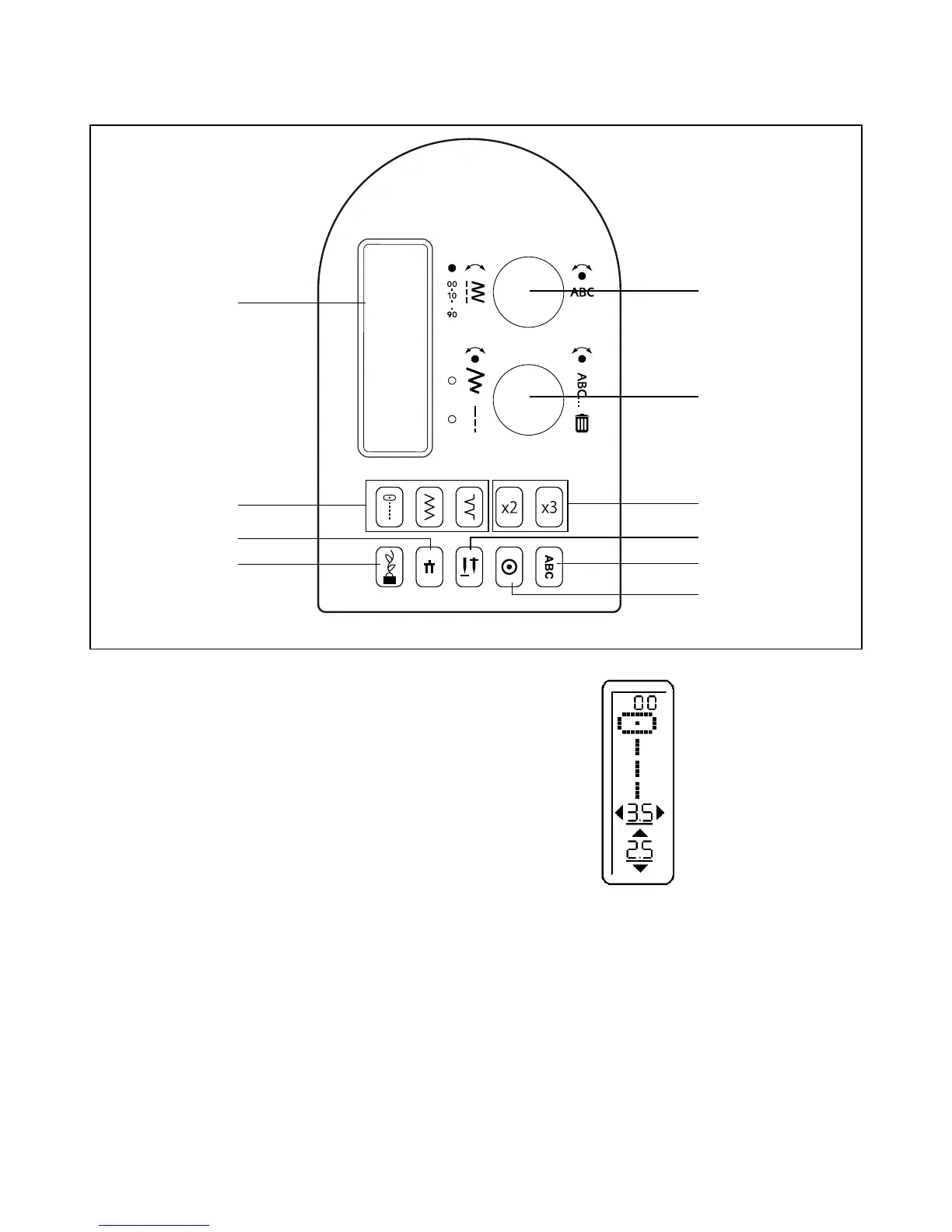
1. LCD DISPLAY
When turning on the machine, straight stitch number 00 is
selected. The information on the display changes for regular
sewing and programming. For regular sewing, the LCD display
shows the number of the selected stitch, an image of the
stitch, and stitch width and stitch length settings.
See page 26 - 27 for information about the display when
creating a stitch program.
2. DIRECT SELECTION BUTTONS
Frequently used stitches are available by the direct selection
buttons. Simply press a button to select that stitch.
3. PROGRAM MODE BUTTON
Press this button to enter Program Mode. Read more about
programming under 4 and 5 below.
1
2
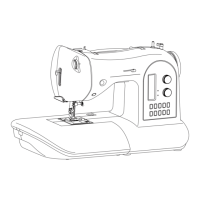
CONTROL PANEL FUNCTIONS
3
4
5
6
7
8
9
10





 To Next Page