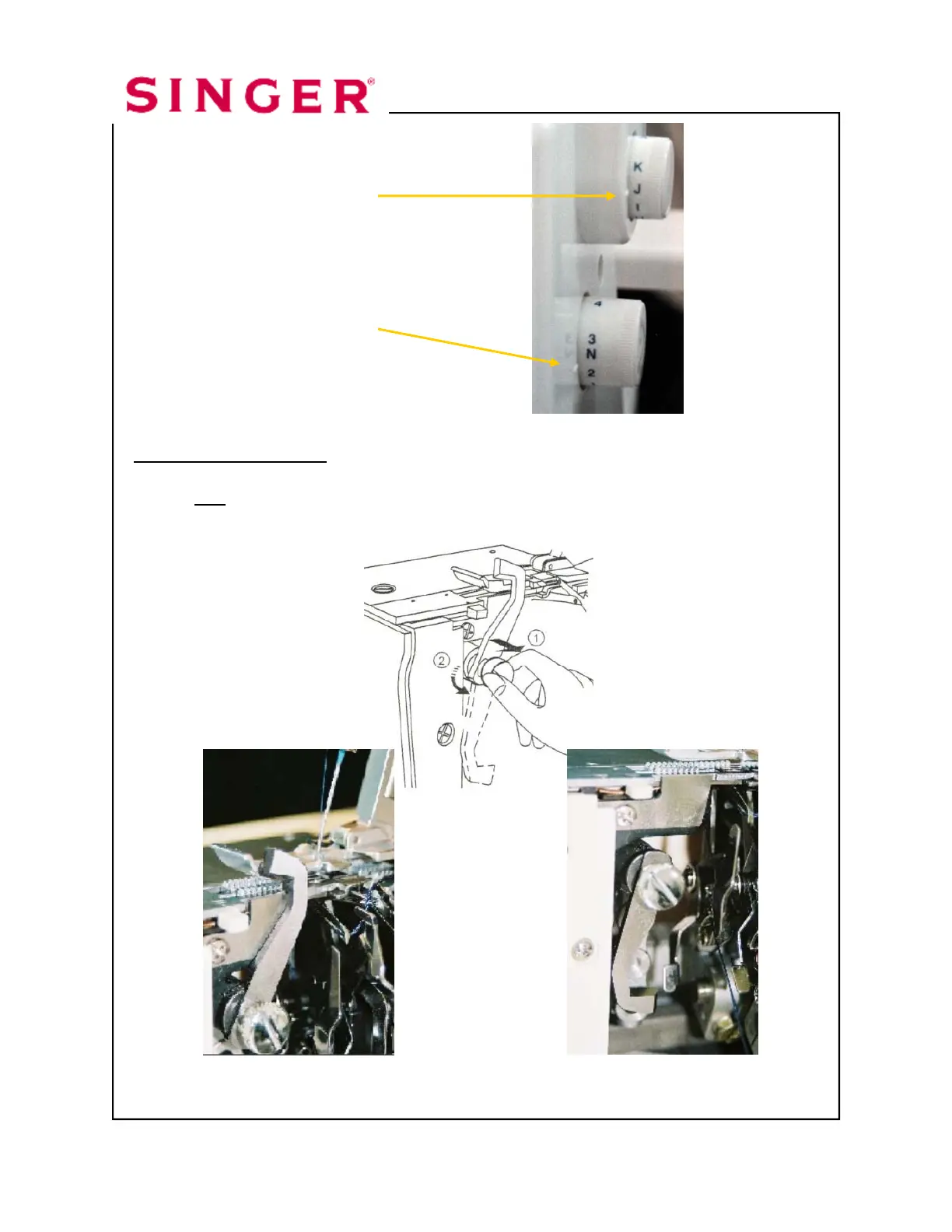
Turn Auto Tension Dial to “J”.
Turn Stitch Length Dial to “N”.
Disengage Upper Knife. The knife will not trim the fabric when it is disengaged.
1. Open Looper Cover.
2. Pull the movable knife holder (silver screw) to the right as far as it will go.
3. Turn the holder counter clockwise until the knife clicks into a lock
position.
Upper Knife Engaged Upper Knife Disengaged
Triple Cover Hem page 4




 To Next Page