EasyManua.ls Logo

Singer Supernova - Troubleshooting the Steam Press

Singer Supernova
32 pages
Print Icon
To Next Page IconTo Next Page
To Previous Page IconTo Previous Page
Loading...
13
ENGLISH
Troubleshooting the Steam Press
Before taking the unit to a service center, please check the following list of
common problems for your issue.
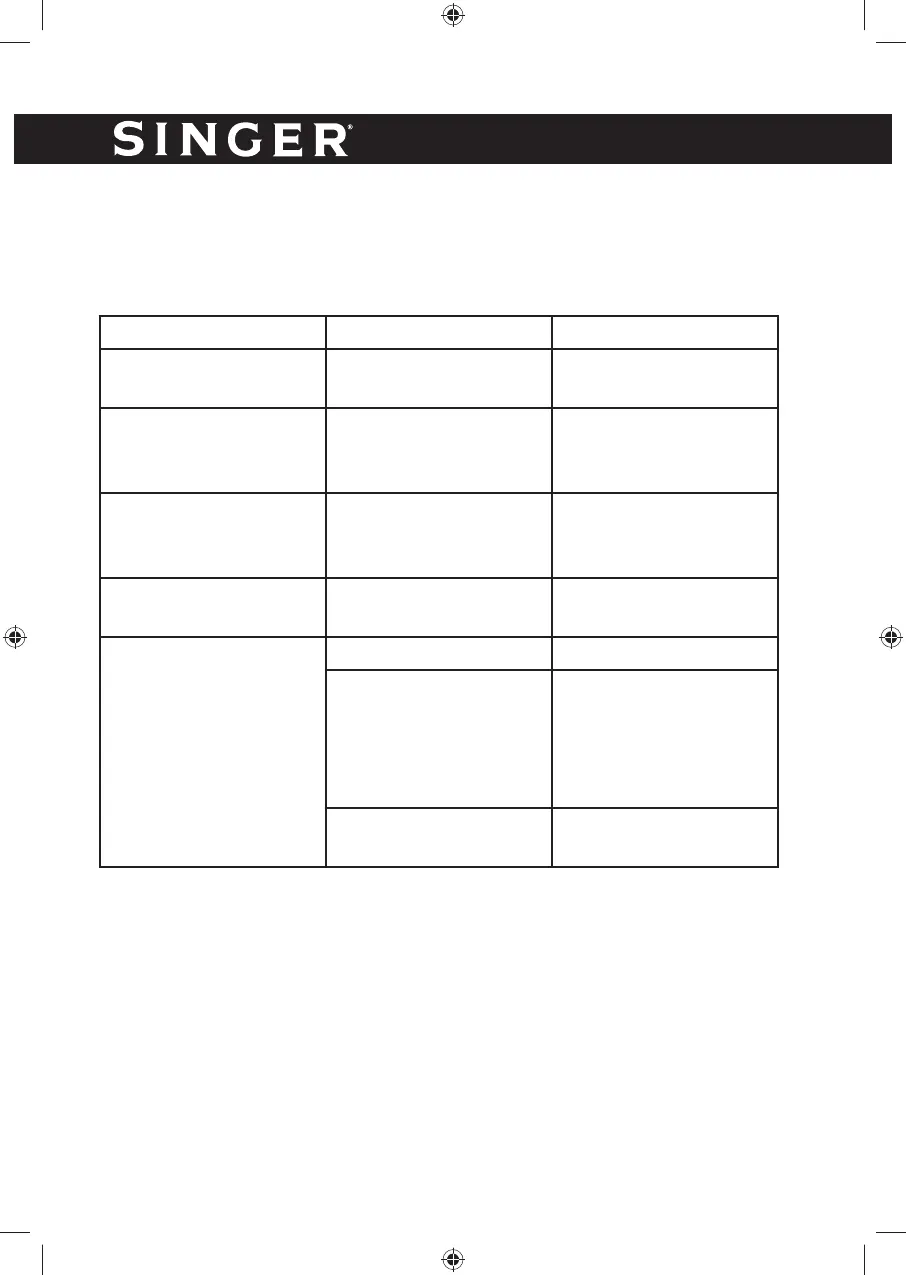
Problem Cause Solution
Steam Press does not
open
Locking Knob is in
Locked position
Turn the Locking Knob
to the unlocked position
Steam Press Does Not
Remove Wrinkles
Temperature setting not
high enough for the
fabric
Be sure that temperature
setting matches fabric
type
Steam Press does not
heat up
Steam Press Not
Plugged in or the on/off
button is off
Plug in appliance.
Turn the unit on.
Steam Press does not
heat up
The thermostat is turned
off
Adjust the thermostat
dial
No Steam
Water level is low or out Fill the Water Tank
Controls not set to high
enough setting
Set the controls to a
higher temperature,
unless you are pressing
a delicate fabric such as
Silk or Rayon
Unit not yet ready for
steam
Wait for Steam Indicator
Light to illuminate

Related product manuals