6
ENGLISH
USE AND FUNCTION
Assembling vacuum cleaner
1. Insert the fl exible hose into the air inlet. The fl exible hose clicks into place.
2. Insert the narrow end of the telescope tube into the other end of the fl exible hose.
3. Adjust the telescopic tube with the length adjustment switch to the desired length.
4. Connect the fl oor brush to the telescopic tube.
Note: Always remove the power plug from the wall outlet before assembling or removing
accessories. Before using the machine make sure that the voltage shown on the rating plate
underneath the machine corresponds with the mains voltage.
Start
• Once all attachments are in place, unwind a suffi cient length of cable and insert the plug into
the wall outlet. A yellow mark on the power cord shows the ideal cable length. Do not pull the
power cord beyond the red mark.
• Insert the power plug into the wall outlet.
• Press the power on/off button located the unit to turn on the vacuum cleaner.
• To adjust the suction, slide the speed control button.
Note: To rewind the power cord, press the cord rewind button with one hand and guide the
power cord with the other hand to ensure that it dose not whip causing damage or injury.
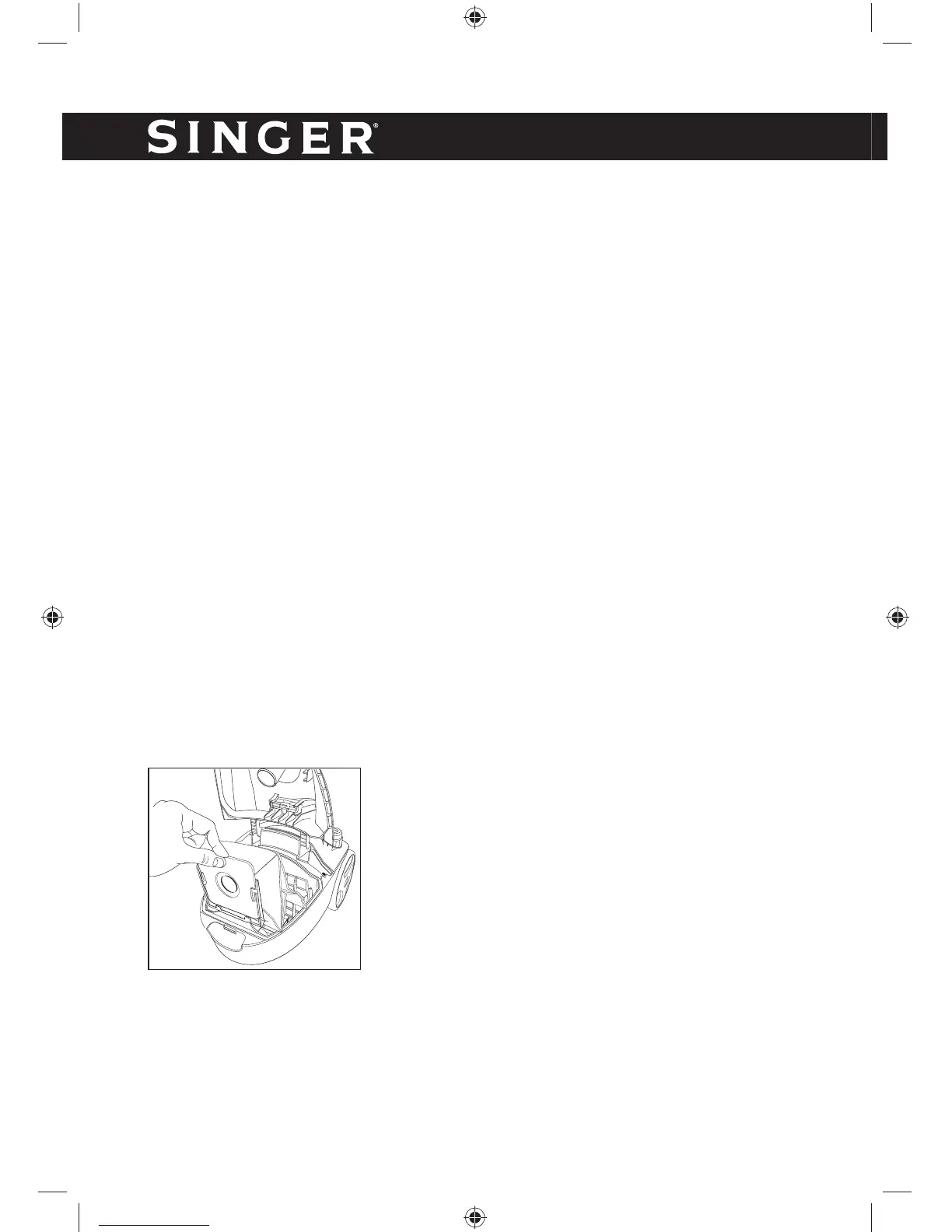
CHANGE DUST BAG
1. Push the fl exible hose release button and remove
the fl exible hose.
2. Open the dust container cover by pushing the
dust container cover release button
3. Remove the dust bag from the holder.
4. When inserting the new dust bag into the holder
make sure to slide it in completely.
5. Completely fold down the dust bag holder.
6. Close the dust container cover.


 To Next Page