EasyManua.ls Logo

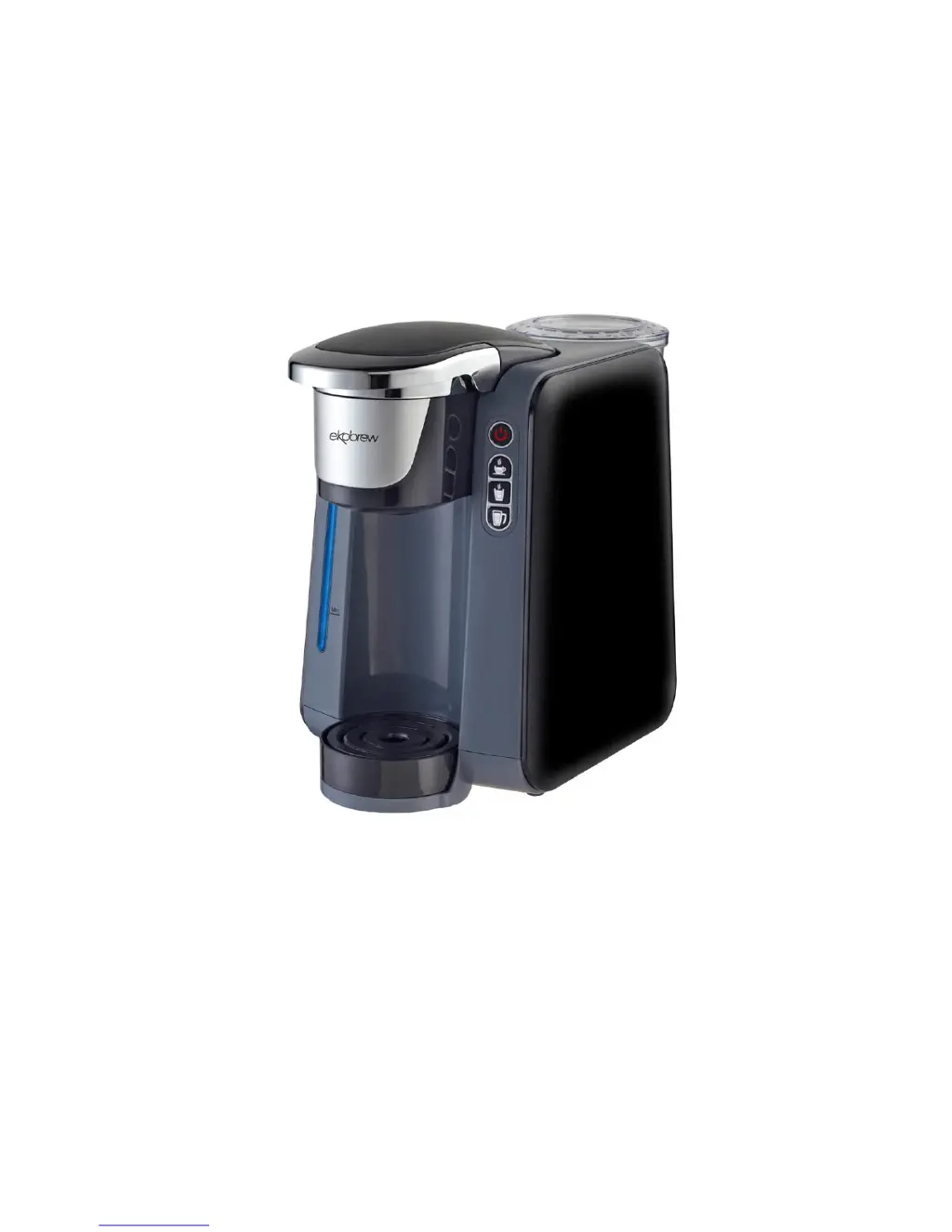
Single Server AC-505K - User Manual

Single Server AC-505K
14 pages
Print Icon
To Next Page IconTo Next Page
Loading...
04/01/2016 1
INSTRUCTION MANUAL
Model: AC-505K
Please read this Instruction Manual and the safety instructions
before operating the appliance!
At least one copy of this manual should be kept in a location
available at all times to maintenance and management staff
Single Server Brewer

Questions and Answers

  • R
    Raven SmithAug 13, 2025
    Why is my Single Server Coffee Maker not brewing?
    • B
      blakewilliamAug 13, 2025
      If your Single Server Coffee Maker isn't brewing or heating up, there might be no water in the reservoir. Ensure the reservoir is filled with water. Also, check that the brew head is completely closed by closing the brew head handle.
  • B
    brettmartinezAug 16, 2025
    How to fix Single Server Coffee Maker that does not have power?
    • X
      xchurchAug 16, 2025
      If your Single Server Coffee Maker isn't getting power, try plugging it into a different outlet.
  • B
    bryantranAug 21, 2025
    What to do if Single Server Coffee Maker is working but no water comes out?
    • Z
      zkempAug 21, 2025
      If your Single Server Coffee Maker is working but no water comes out during the first use or after a long period of inactivity, the pump may be dry, making it difficult to prime. Plug in the brewer in OFF mode, and keep pressing the POWER button to start the pump until priming is successful.
  • E
    Eric PhillipsAug 25, 2025
    What to do if my Single Server Coffee Maker is brewing a partial cup?
    • S
      shannonbrownAug 25, 2025
      If your Single Server Coffee Maker is brewing a partial cup, it could be due to a few reasons. First, the K-Cup® pack holder might be clogged; clean it and rinse under the faucet if needed. Second, there might not be enough water in the reservoir for the selected cup size; ensure you have sufficient water. Third, calcium or scale buildup could be affecting the brewer; try descaling it.
  • D
    Daniel DrakeAug 28, 2025
    How to prime Single Server Coffee Maker at first use?
    • J
      jadamsAug 28, 2025
      If you're unable to prime your Single Server Coffee Maker during the first use, it could be due to an empty reservoir. Make sure to fill the water reservoir. Alternatively, the pump might be dry after long storage or the first use. To resolve this, turn off the brewer using the on/off button, then press and hold the on/off button again. This should start the pump to draw water. Release the button once water begins to flow.
  • M
    maurice72Aug 31, 2025
    Why is water spitting from the Single Server Coffee Maker outlet?
    • J
      joshuamendozaAug 31, 2025
      If water is spitting from the outlet of your Single Server Coffee Maker head, it could be because the brewing process was manually stopped. Allow the brewer to completely release any steam or residual water, which should take about 20 seconds after the brewing process was interrupted. Alternatively, the handle or brewer head might have been lifted while the button was flashing; in this case, also let the brewer release steam/residual water completely for about 20 seconds.
  • D
    davisandreaSep 4, 2025
    How to stop coffee drops around Single Server Coffee Maker brewer hold?
    • D
      Dawn AcevedoSep 5, 2025
      If you notice coffee drops around the brewer hold of your Single Server Coffee Maker while brewing, it's likely due to ground coffee stuck to the Water Outlet gasket, which compromises the seal. Carefully remove the gasket and rinse it with water. After rinsing, gently reattach the gasket.
  • T
    Timothy ThomasSep 8, 2025
    How to fix reservoir rattling on Single Server Coffee Maker?
    • H
      Heather ZamoraSep 8, 2025
      If the reservoir on your Single Server Coffee Maker is rattling, ensure that the reservoir is perfectly placed on the brewer.

Summary

Important Safeguards

Unpacking

Starting Up

Overview of Machine Parts and Controls

How to Brew

Tips

How to Change Default Coffee Volume

How to Set the Stand-by Time

How to Reset the Machine

Helpful Hints

Cleaning and Maintaining Your Single Serve Brewer

Cleaning External Parts

Regular cleaning of the brewer's external components is recommended. Ensure the brewer is unplugged and allowed to cool before cleaning.

Cleaning the K-Cup pack Holder Assembly

Cleaning and Emptying the Reservoir

Storage

De-Scaling Your Brewer

To de-scale the Brewer:

Step-by-step instructions for descaling the brewer using white vinegar and bottled water.

Troubleshooting Your Single Serve Brewer

Warranty Information

1-Year Limited Warranty

Details the terms and conditions of the one-year limited warranty for the Ekobrew product.

Notes

Single Server AC-505K Specifications

General IconGeneral
BrandSingle Server
ModelAC-505K
CategoryCoffee Maker
LanguageEnglish