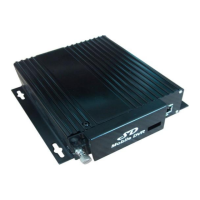
www.szsinocam.com Professional Mobile DVR
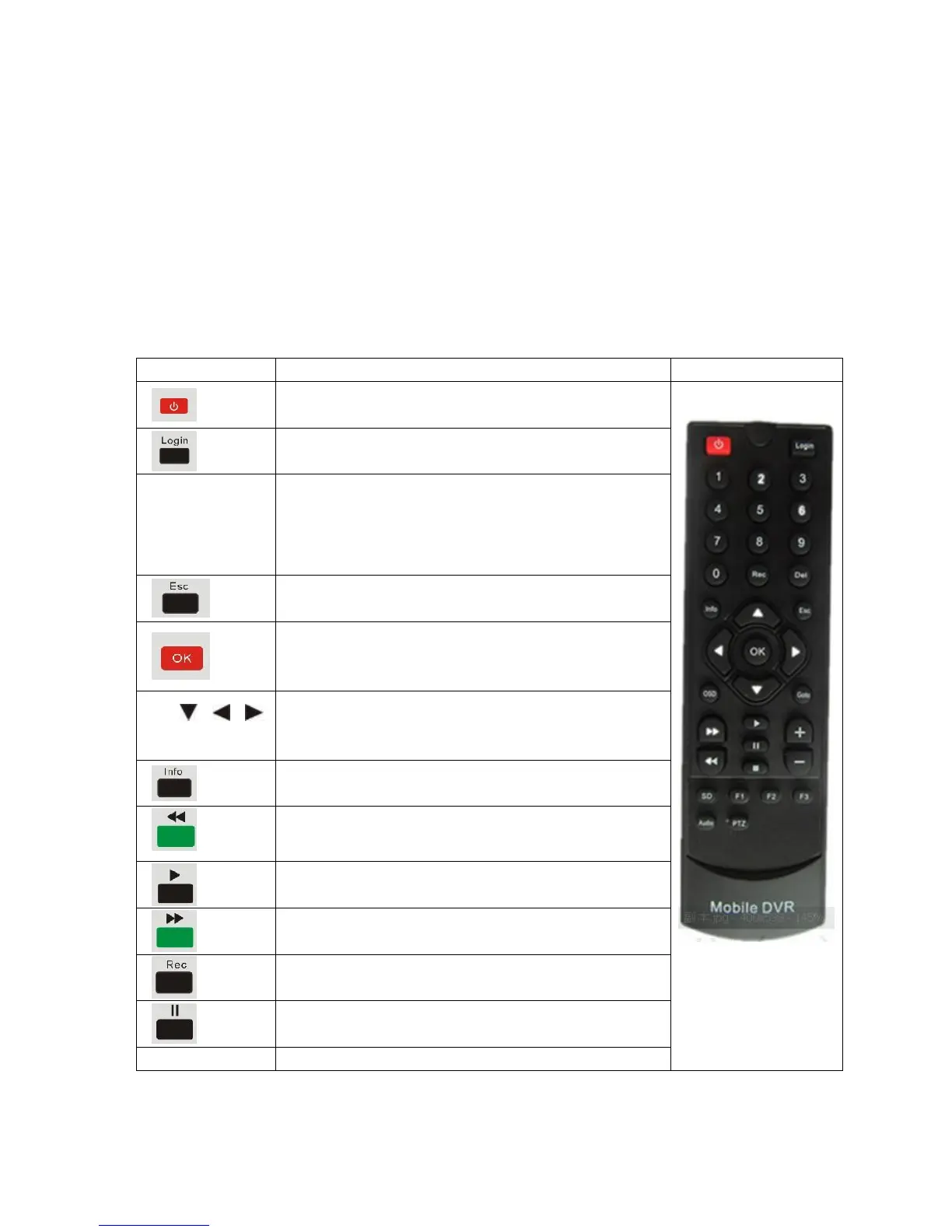
To enter system settings.
【0-9】key:In the setting mode, 0-9 is used to select
the number of menu items. In playback mode, the key
1,2,3,4 to select single channel playback and the Key 5
for 4-channel playback
Return to the previous menu
Enter button: button for setting system parameter, selecting
and playing. When playback, this button can overlay all
kinds of information data (speed, GPS, black box etc.)
up, down, left, right
left and right buttons are use for decreasing or increasing
volume
To display system info under monitoring mode
Rewind button. In play mode, press REW button to
select 2/4/8/16/,normal forward play
Forward button. In play mode, press this button to select
2/4/8/16/,normal backward play
Pause button. Pause the normal playing.


 To Next Page
 Loading...