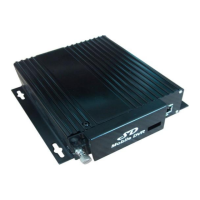
1.2. Front panel
1.2.1. LED indicators
【PWR】Power LED:LED light means system has powered on
【ERR】Error promt:LED on-fault on SD cards; LED off –normal
【VLOS】video indicator: if bright- Video Loss
【REC】Recording indicator. LED on—normal
【GPS】GPS indicator:LED on---normal
【SD】SD indicator:When SD card records, SD light flicker
【RJ45】Network connector
HDD series:
【SD】SD indicator:LED on-SD card exists; When SD card records, SD light flicker
1.2.2. SD card
【RM】SD card remove keys: In system normal work status, SD cards can ONLY be safety
removed by press REMOVE keys about 3 seconds till SD led indicators off, and SD cards will
be reloaded automatically if the cards do not be removed within 15 seconds.
SD card:Slot for SD card
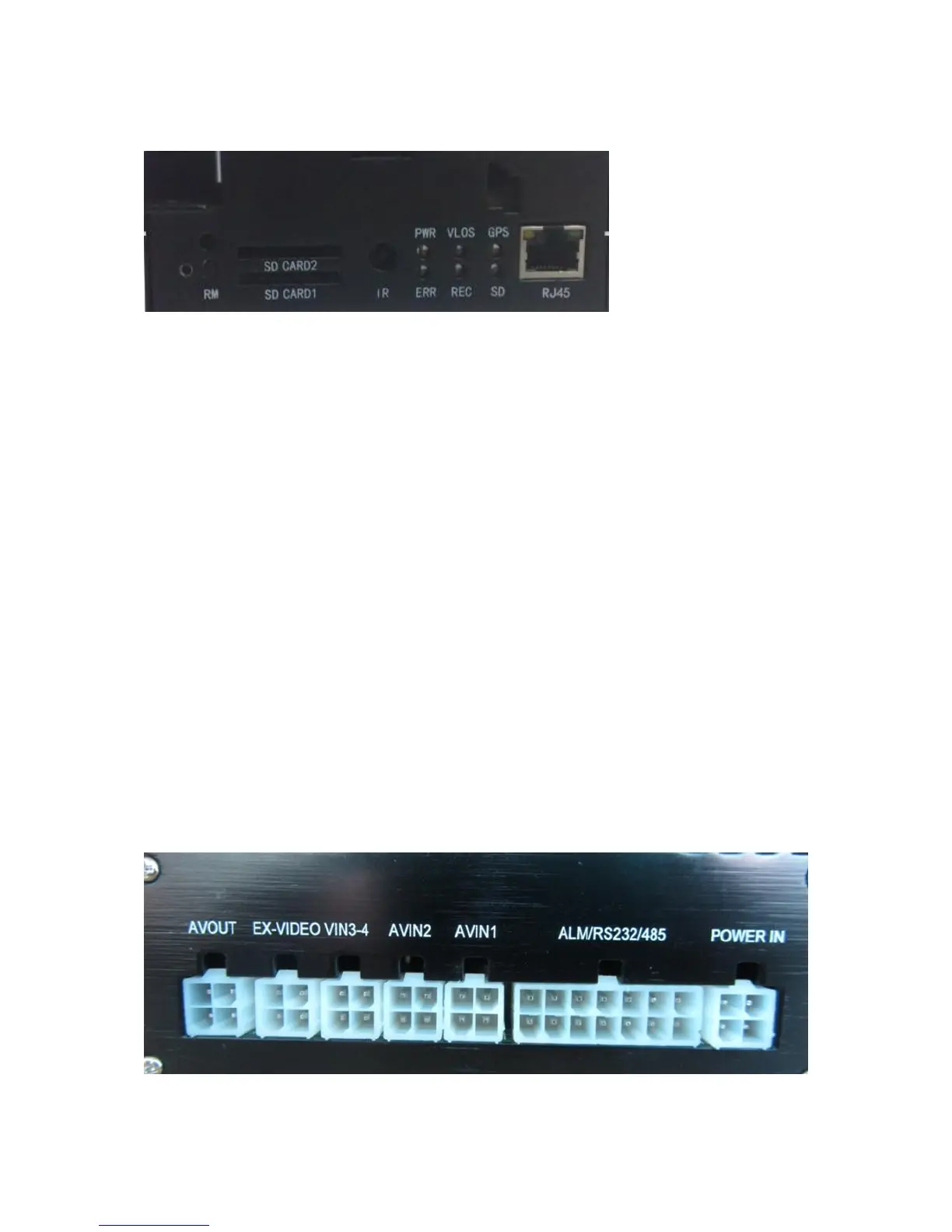
1.3. Back panel


 To Next Page
 Loading...