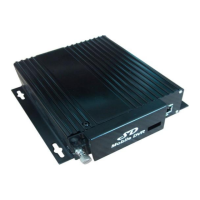
● 【POWER-IN】power port, red cable connect power positive, black cable connect power negative;
yellow line—ACC signal cable. If need timed record or igniting record, please connect ACC cable in
the car
● 【ALM】alarm signals and other signals input interface
● 【EX-VIDEO】audio input subsidiary interface (Video Rearview System)
● 【V1-V4】camera and audio input interface;
● 【AVOUT】monitor output port
2.GUI
2.1 Login
When password switch set “close”, after device startup, press【OK】key into the system
menu
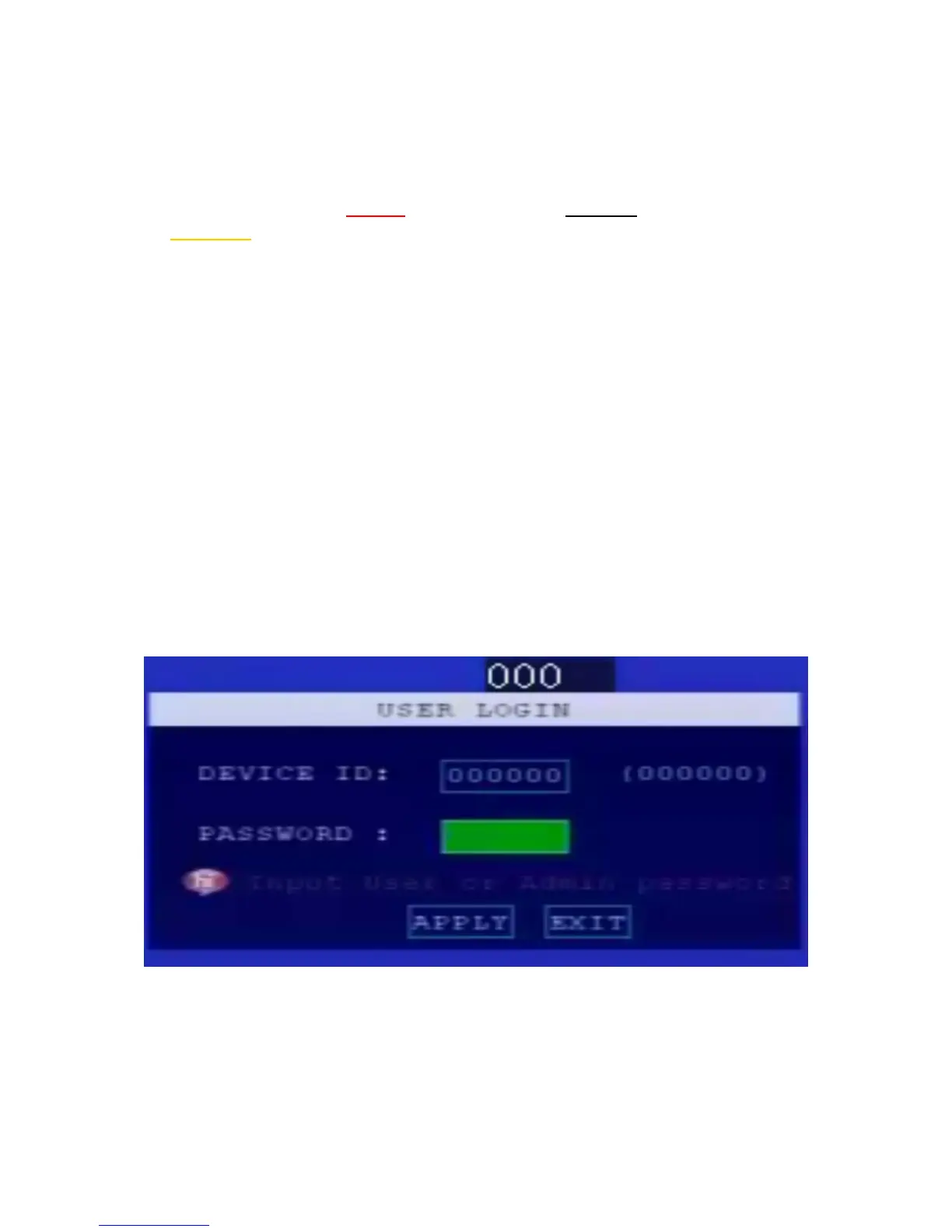
When password switch set “open”, after device startup, press【OK】key, need input correct
device No., User name and password. Cursor will move to “Login”, press 【OK】key into
the system menu Factory Default Admin Password: 111111.
2.2 System Main Interface
The main interface will be displayed on the screen when you login successfully, it
contains


 To Next Page
 Loading...