11
Docking the Radio
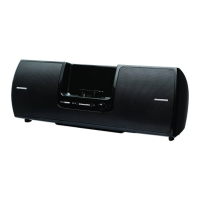
Place your Plug and Play Radio into the Universal Boombox as follows:
1. Be sure the Universal Boombox is powered off.
2. Align the Radio with the Radio Dock Adapter and connector.
3. Once aligned, gently press the Radio down so that it slides down the
Radio Dock Adapter and onto the connector until it is fully seated in the
Universal Boombox.
Connecting the Home Power Adapter
The Universal Boombox can operate on either batteries (8 “D” cells) or by
using the Home Power Adapter. Connect the Home Power Adapter to the DC
Power connector at the rear of the Universal Boombox. (Refer to “Controls
and Connectors” on page 8.) Connect the Power Cord to the Home Power
Adapter and plug it into an AC outlet.
Installation


 To Next Page
 Loading...