21
Operation
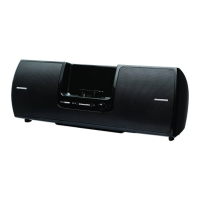
Using the AUX Input
If you want to listen to an external audio device such as an MP3 player or CD
player through the Universal Boombox, do the following:
1. Initially set the volume level on the audio device to mid-range.
2. Connect the output of the audio device to the Aux In connector on the
front panel of the Universal Boombox. Press the source button to select
the AUX input.
3. Adjust the volume on the audio device to obtain satisfactory audio output
from the Universal Boombox. If the sound is distorted, lower the volume
level on the audio device and increase the volume level on the Universal
Boombox.
Headphones
To listen using headphone, connect your headphones to the Headphone
connector on the front panel of the Universal Boombox.


 To Next Page
 Loading...