12
Installing the Radio Dock Adapter for Your Radio
1. Select the Dock Adapter for your Radio by referring to “What’s in the Box?”
on page 8 to identify the adapter, or turn the adapters over and locate
the name imprinted on the underside of the adapter:
Sirius: Adapter 1 for all Sirius Radios.
XM: Adapter 2 for all XM Radios except XMp3i.
XMP3i: Adapter 3 for XMp3i Radio.
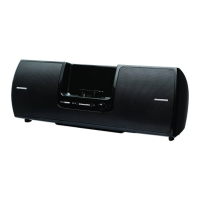
2. Install the Radio Dock Adapter for your Radio into the Universal Boombox
as shown. Align the Radio Dock Adapter in the Universal Boombox and
gently press it until it snaps into place.
Installation


 To Next Page
 Loading...