Operations
3
1. Release the two latches and lift off the
lid to ensure that
the micro lter cloth bag
and the disposable bag are inside.
Once checked
replace the lid back
2. Both the micro lter cloth bag and dispos-
able bag, lter the air while holding all
debris. The micro lter cloth bag with its
rubber top provides the seal for the vacuum
while also ltering the air. Replace or empty
each as necessary.
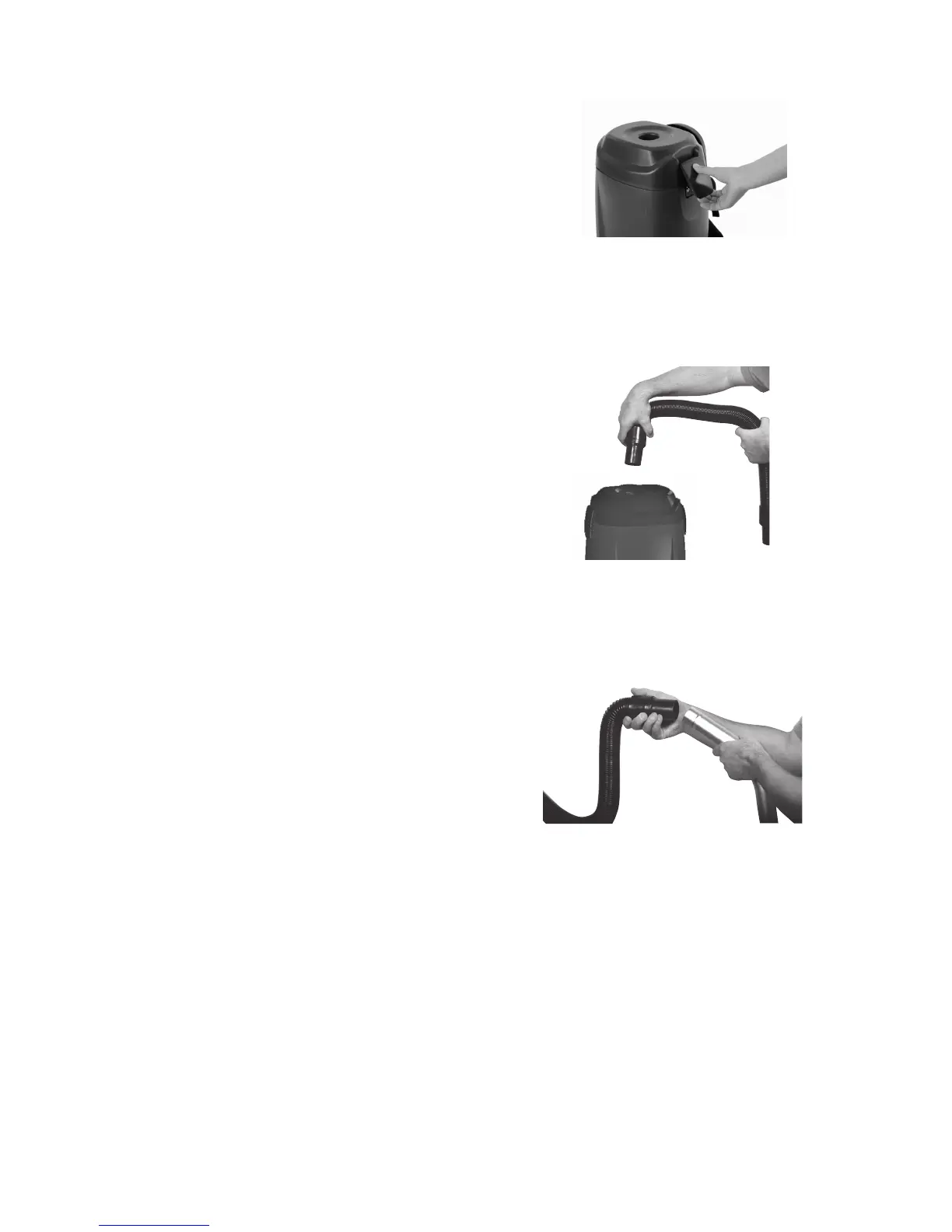
3. Make sure lid is locked on the
vacuum. Take the vacuum hose and push it
into round opening on top of lid.
4.
Put backpack on and adjust sholder straps
and waist belt until backpack is comfort-
able. The harness is made for a custom t.
6.
5.
Attach hose to commercial wand. Attach
desired tool to bottom of wand by loosen-
ing nut and pushing in tool. Tighten nut until
tool is in place. Tool will swivel when using
side to side motion.
NOTE: Never take nut off wand or
risk losing metal ring inside nut.
The metal ring holds tool in place in
its slotted groove.
7.
8.
Press the power switch located on the switch box
to "ON" or "OFF" position to operate.
The receptacle on the switch box can be used
with the optional powerhead for deep cleaning.
Connect the extension cord to the power cord
located by the switch box.
1.
3.
7.
9.
Plug the extension cord into a properly installed
outlet.
and lock the latches.



 To Next Page