EasyManua.ls Logo

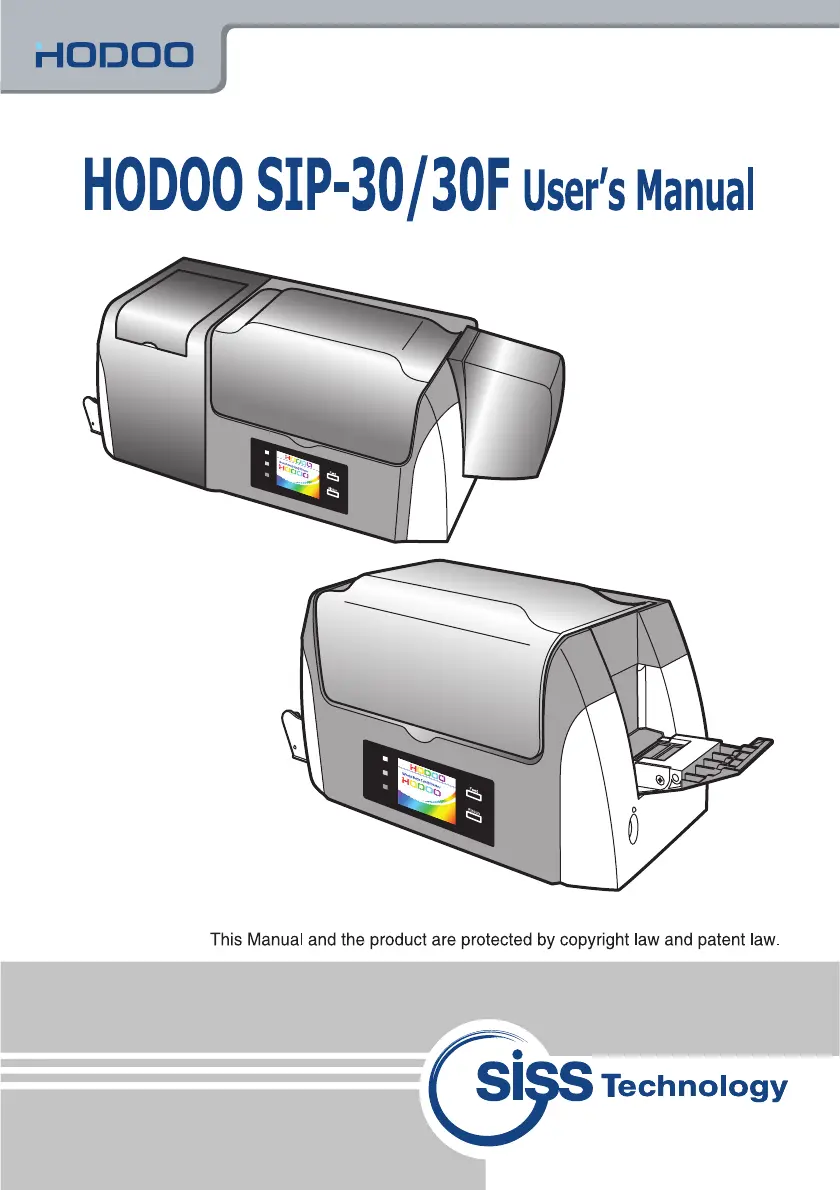
siss Technology HODOO SIP-30 - User Manual

siss Technology HODOO SIP-30
35 pages
Print Icon
To Next Page IconTo Next Page
Loading...

Questions and Answers

Summary

Precautions for Safety

Warning and Caution Symbols

Defines the meaning of warning, caution, and notice symbols for safe operation.

Warnings

Details specific instructions and potential hazards to avoid during operation and installation.

Cautions

Outlines specific instructions and potential risks to consider during installation and maintenance.

Preparation before Operation

Included Components

Lists and illustrates the items included with the printer for setup.

Preparation

Product Introduction

Provides a general overview and highlights special features of the card printer.

Printer Components (Front View)

Identifies and describes the function of front parts of the printer.

Printer Components (Rear View)

Identifies and describes the function of rear ports and buttons on the printer.

Printer Controls (LCD, LED, Buttons)

Explains the functions of the LCD screen, LEDs, and buttons on the printer.

Installing Ribbon Cartridge

Replacing Color Ribbon

Step-by-step guide for replacing the color ribbon cartridge.

Replacing Black & White Ribbon

Step-by-step guide for replacing the black and white ribbon cartridge.

Installing Hopper Guide and Flip-Over

Installing Hopper Guide

Instructions for installing the hopper guide for card feeding.

Installing Flip-Over Module (SIP-30 F)

Instructions for installing the flip-over module for dual-sided printing.

Installing the Program

Connecting to the Computer

Steps for connecting the printer to a computer via USB cable.

Installing Window Program

Details system requirements and steps to install software programs from CD-ROM.

Installing Printer Driver

Guides through the process of installing the printer driver via the setup wizard.

Setting Printing Preferences

Configures card settings, ribbon, and other printing options in Windows.

Image Preferences

Adjusts image correction, effects, and intensity settings for printing.

Output Preferences

Configures printing direction, quality, and varnish options for card output.

Tools Preferences

Sets track type for MS encoding and macro processing options.

About Preferences

Displays software version information and links to the manufacturer's website.

Other Information

Cleaning Printer

Instructions for cleaning the exterior of the printer.

Replacement of Supplies

Lists consumable items and their replacement methods and periods.

Troubleshooting

Bad Operating Conditions

Lists common problems and their possible causes and corrective actions.

MS Read;Write Issues

Addresses problems related to Magnetic Stripe (MS) read/write operations.

Smart IC Card Issues

Troubleshoots problems encountered with Smart IC card operations.

Error Codes and Corrective Actions

Provides a list of error codes and the corresponding solutions.

Product Specifications

Details technical specifications of the printer, including hardware and environmental requirements.

Card Dimensions

Certificate of Warranty

siss Technology HODOO SIP-30 Specifications

General IconGeneral
Brandsiss Technology
ModelHODOO SIP-30
CategoryPrinter
LanguageEnglish