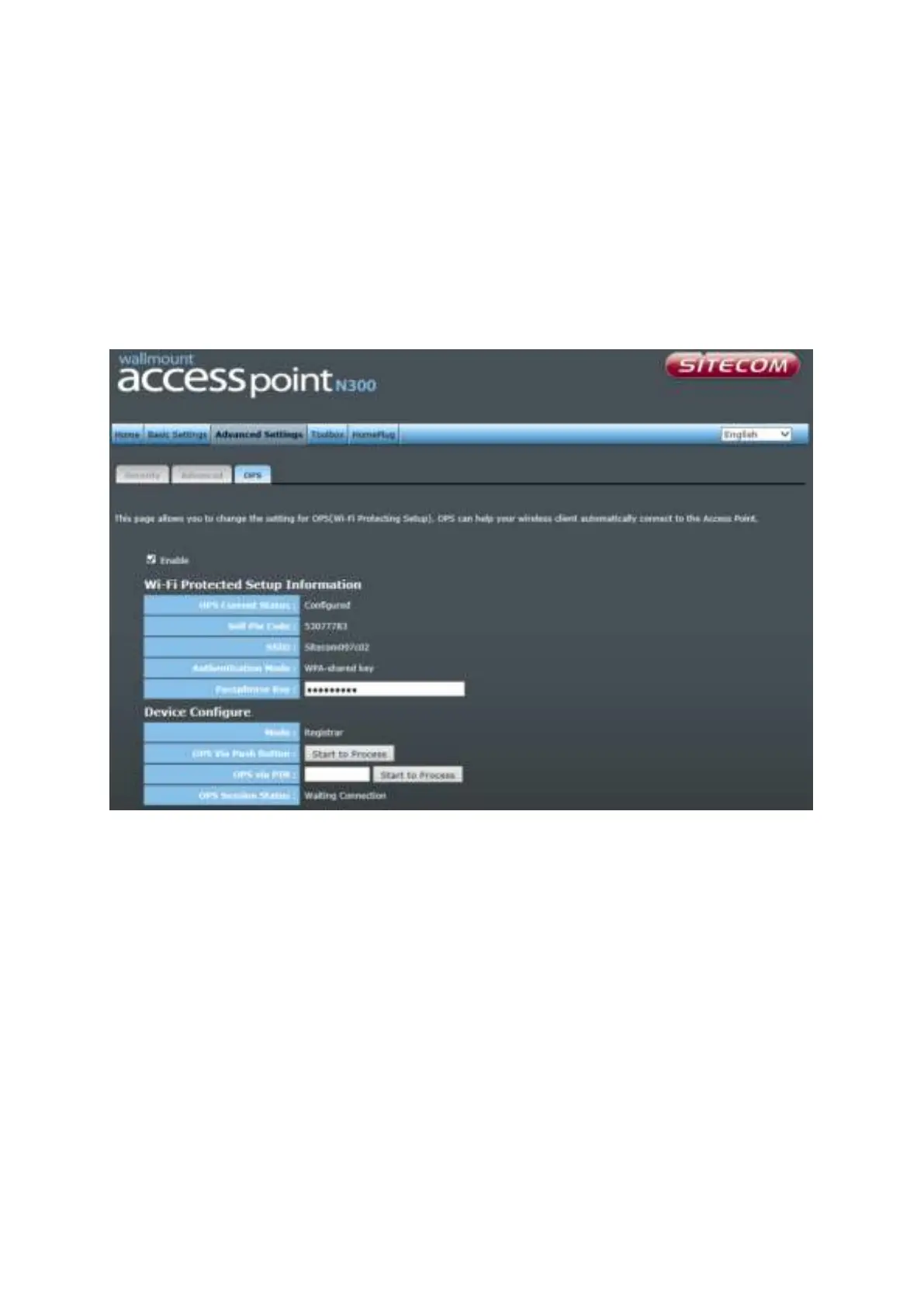
OPS
One Push Setup (OPS) is the simplest way to establish a connection between the wireless
clients and the wireless router. You don’t have to select the encryption mode and fill in a
long encryption passphrase every time when you try to setup a wireless connection. You
only need to press a button on both wireless client and wireless router, and OPS will do
the rest for you.
Check the box to enable the OPS function and uncheck it to disable the OPS function.
OPS Current Status If the wireless security (encryption) function of this wireless
router is properly set, you’ll see a ‘Configured’ message here.
Otherwise, you’ll see ‘UnConfigured’.
Self Pin Code This is the WPS PIN code of the wireless router. You may
need this information when connecting to other WPS-enabled
wireless devices.
SSID This is the network broadcast name (SSID) of the router.
Authentication Mode It shows the active authentication mode for the wireless
connection.



 To Next Page