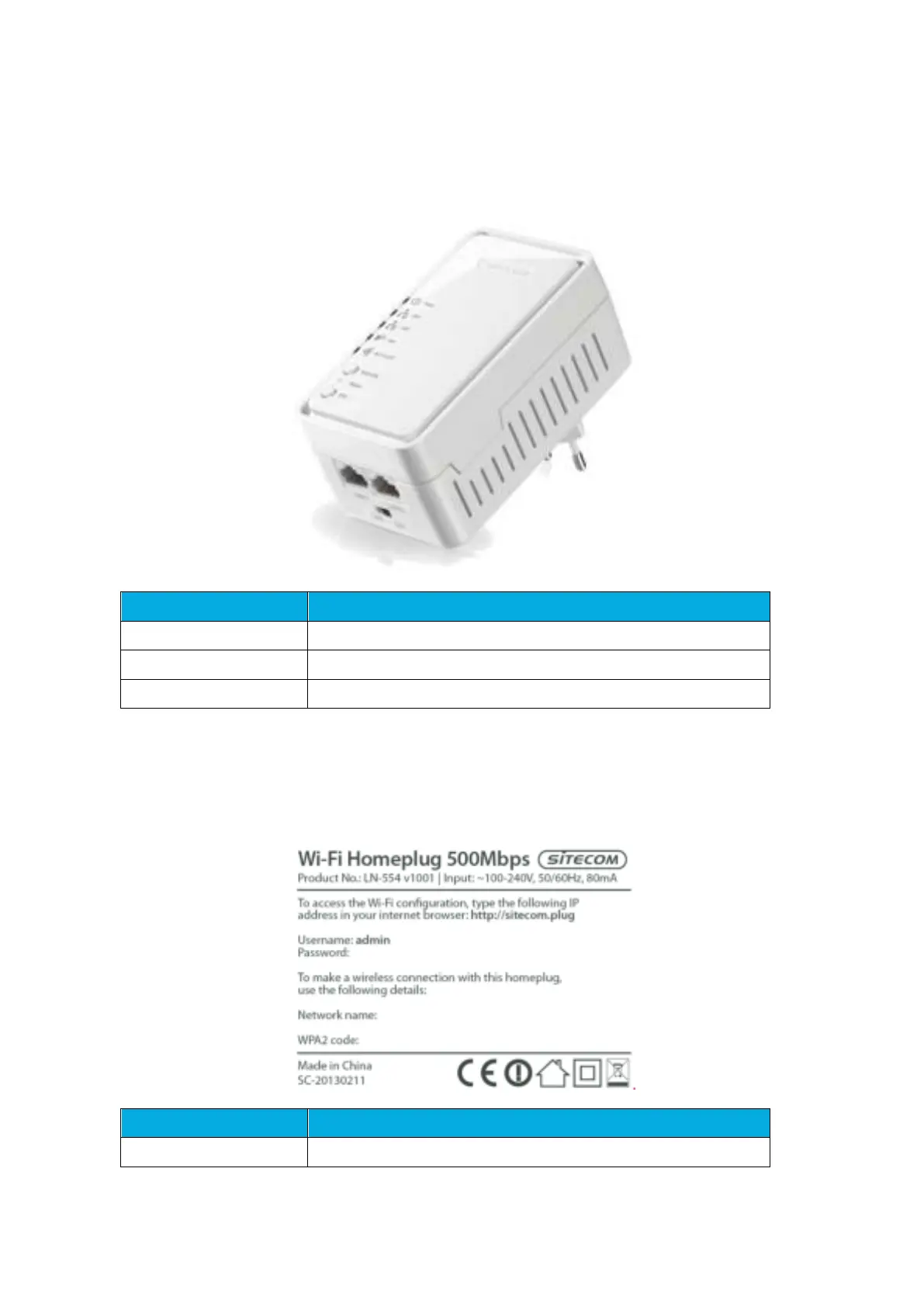
Product Layout
Connect your PCs or network devices to these ports
Push to connect to Homeplug network
Push 15 seconds to reset the device to factory default
Backlabel and Network Details Folder
The Network Details Folder describes the IP address, login details, network name,
security code and OPS button functionality.
Press 0-5 seconds for WiFi WPS mode



 To Next Page