TOOLBOX SETTINGS
System
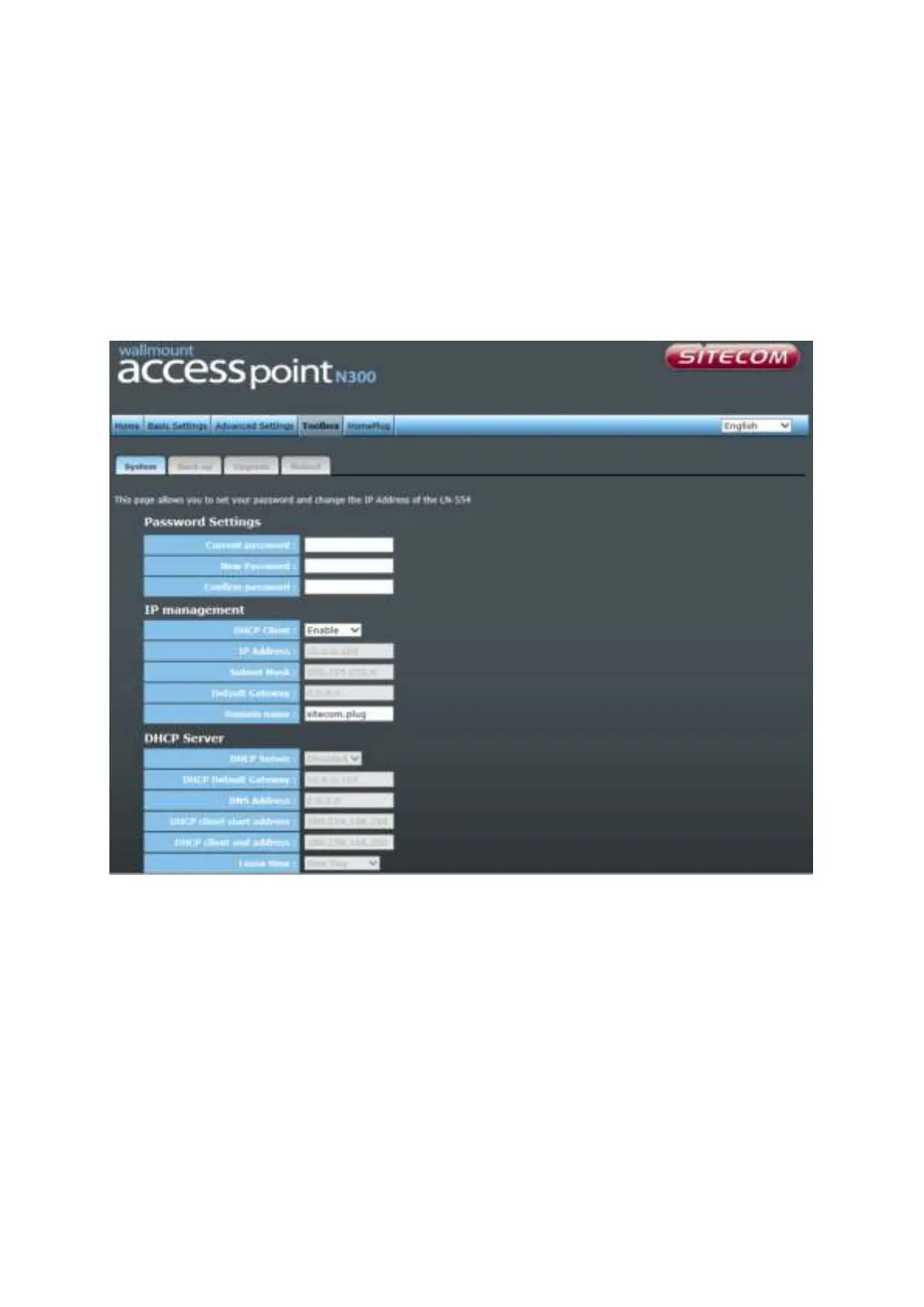
This device provides some control functions including password, IP address management,
and DHCP server function. Please go to Toolbox, and open the ‘System’ tab, to access
these functions. Below are detailed descriptions of every control function.
Password Settings You can change the password used to enter the web configuration
menu of this device. Please input the current password in the
‘Current Password’ field, then input a new password in both the
‘New Password’ and the ‘Re-Enter Password’ field. After you finish,
please go to the bottom of the page and click ‘Apply’.
IP Management You can change the IP address of this device, so it can become a
part of your local network. Please remember this address or you will
not be able to connect the configuration menu of device. The default
configuration is set to DHCP client.
DHCP Server If you want to activate the DHCP server function of this device,
please select ‘Enabled’ in the ‘DHCP Server’ option, and see the next



 To Next Page