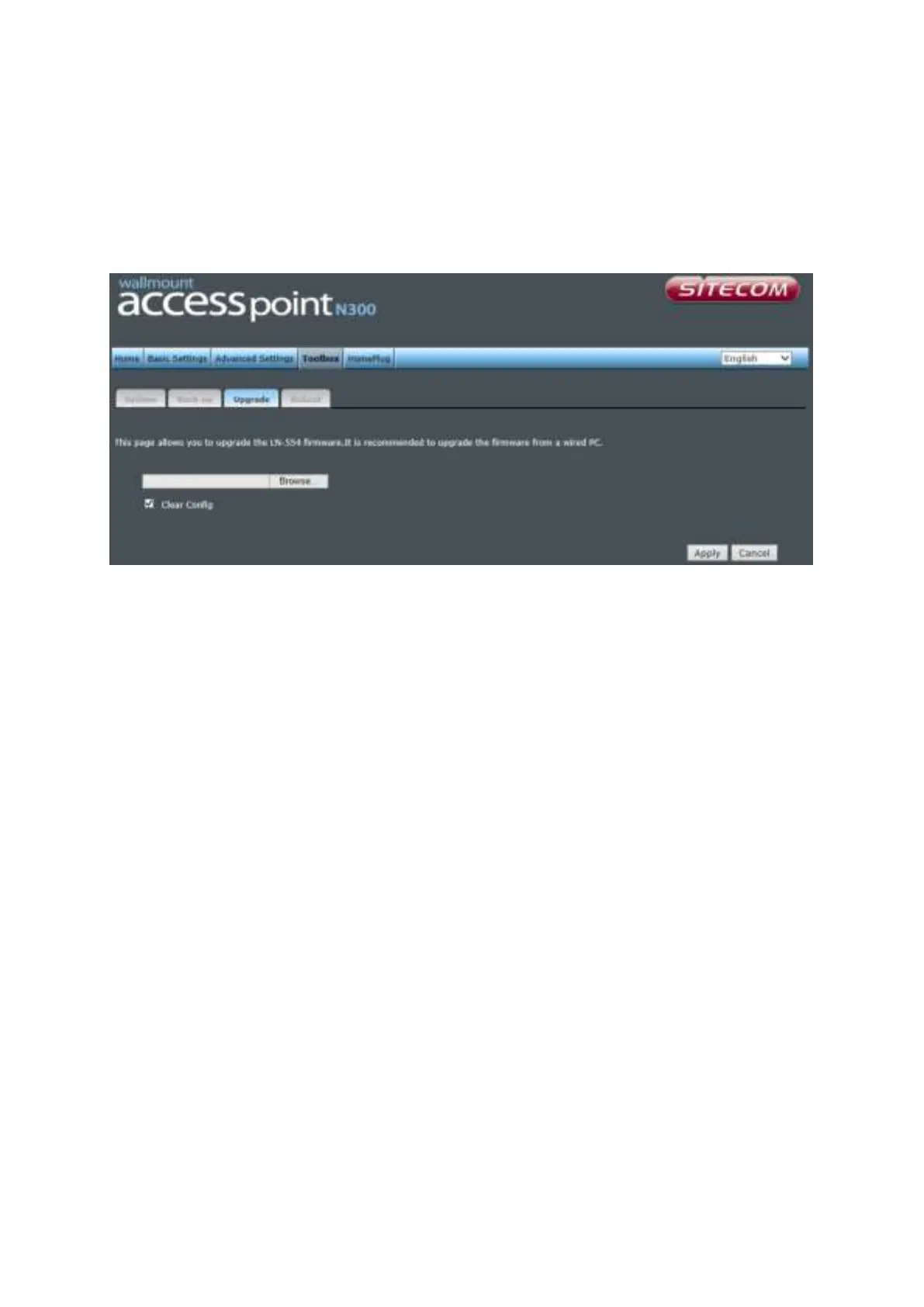
Upgrade
If there is a new firmware available, you can upload the firmware to the device to get
extra functions or problem fixes.
Click the ‘Browse’ button. You’ll be prompted to provide the filename of the firmware
upgrade file. Please download the latest firmware file from our website, and use it to
upgrade your device.
After a firmware file is selected, click the ‘Apply’ button, and the device will start the
firmware upgrade procedure automatically. The procedure may take several minutes, so
please be patient.
NOTE: Never interrupt the upgrade procedure by closing the web browser or
physically disconnecting your computer from the device.



 To Next Page