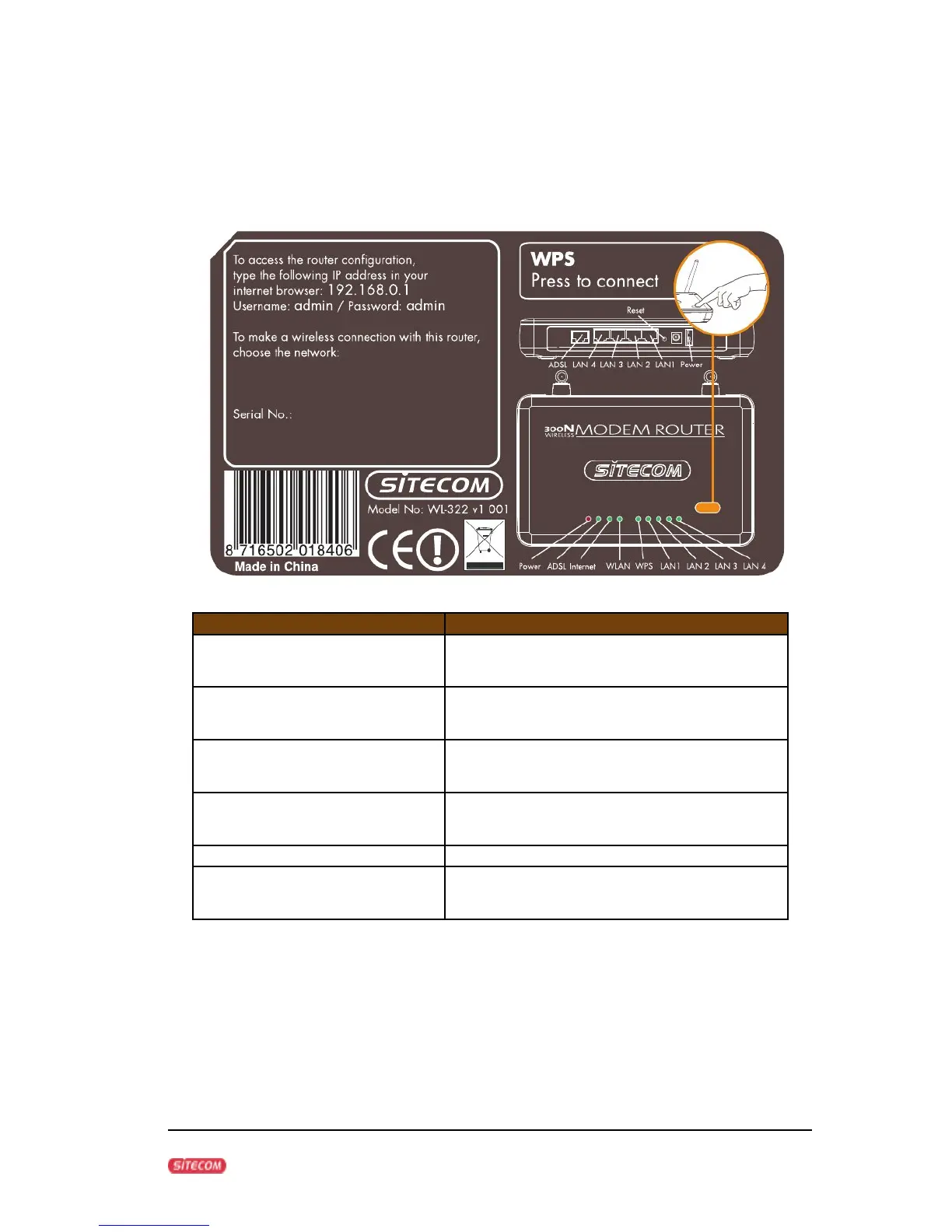
Front panel
The front panel describes the corresponding LED indications and port
functionality.
LED Description
POWER Lights up when powered ON. Blinks
on TEST/RESET
Wan Lights up when an ADSL cable is
connected.
Online Lights up when internet connection is
UP.
WLAN Lights up in Blue when WLAN is
enabled. Blinks on traffic
WPS Blinks when WPS mode is on
Lan1 - Lan4 When a lan cable is connected the
corresponding light lights up.
7



 To Next Page