be transmitted.
Aggregation This function is used to join multiple data packets for
transmission as a single unit to increase network
efficiency.
Short GI The 802.11n draft specifies two guard intervals: 400ns
(short) and 800ns (long). Support of the 400ns GI is
optional for transmit and receive. Enable this function
will increase network efficiency.
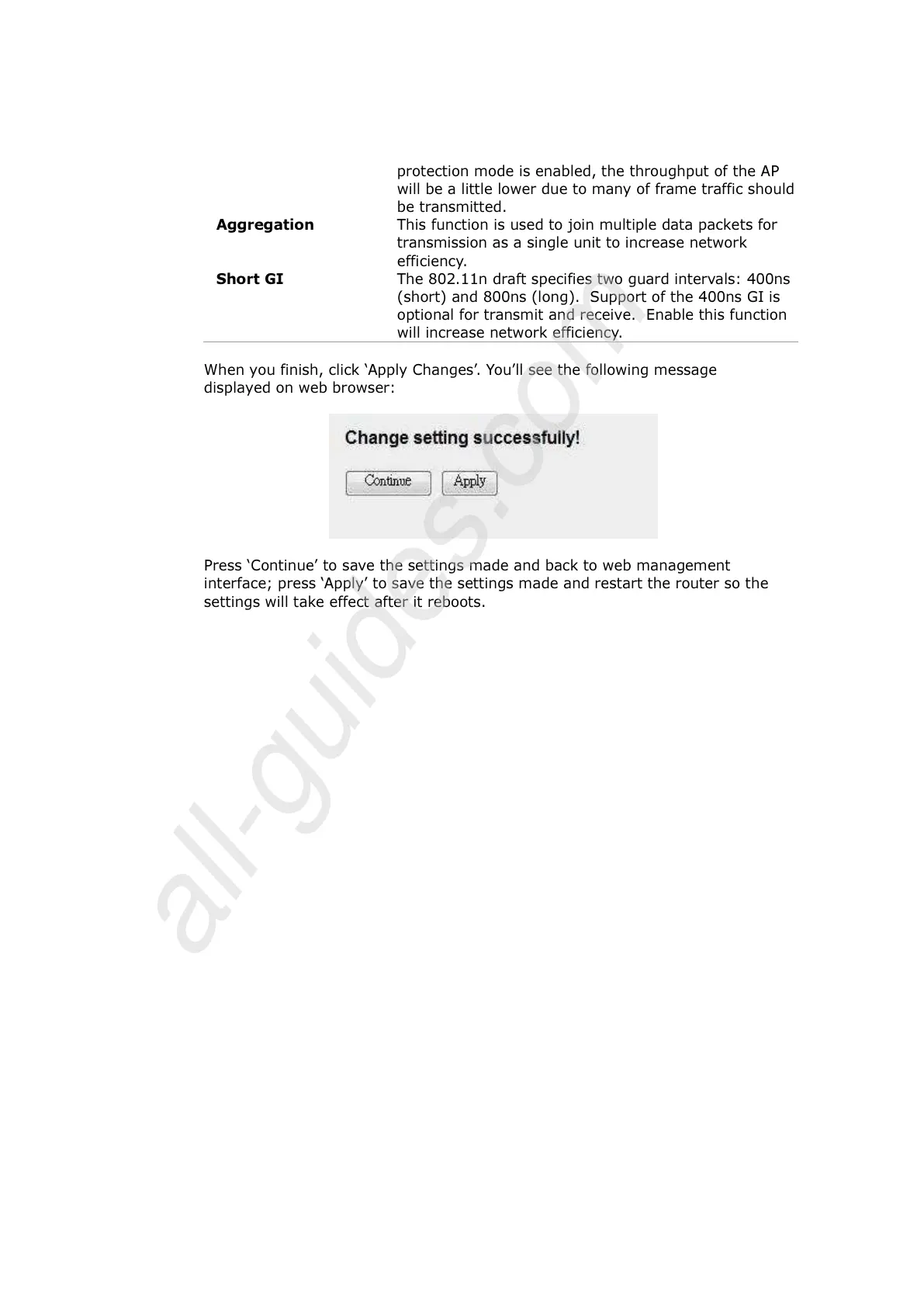
When you finish, click ‘Apply Changes’. You’ll see the following message
displayed on web browser:
Press ‘Continue’ to save the settings made and back to web management
interface; press ‘Apply’ to save the settings made and restart the router so the
settings will take effect after it reboots.



 To Next Page