14 TOOLBOX Settings
Password
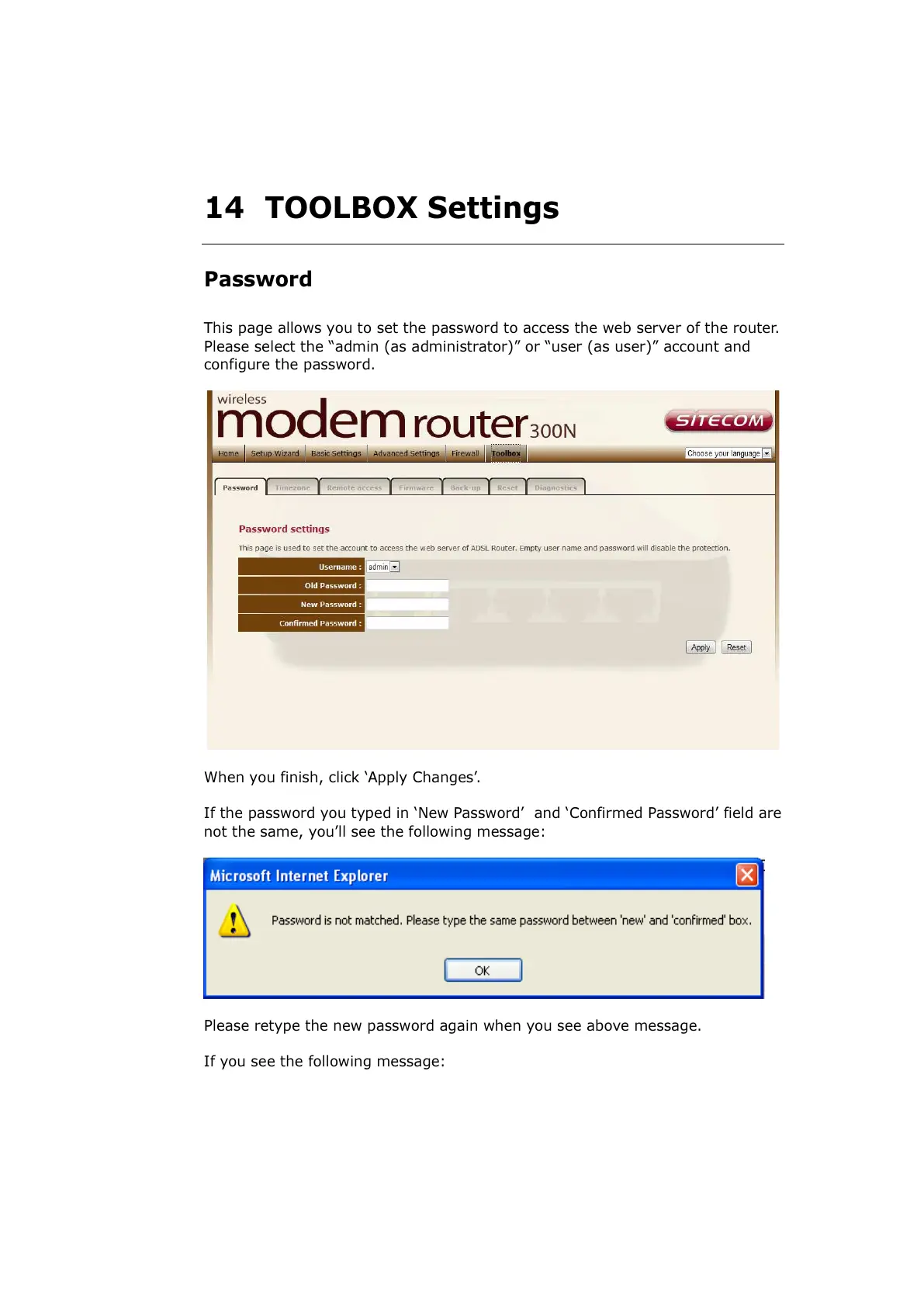
This page allows you to set the password to access the web server of the router.
Please select the “admin (as administrator)” or “user (as user)” account and
configure the password.
When you finish, click ‘Apply Changes’.
If the password you typed in ‘New Password’ and ‘Confirmed Password’ field are
not the same, you’ll see the following message:
Please retype the new password again when you see above message.
If you see the following message:



 To Next Page