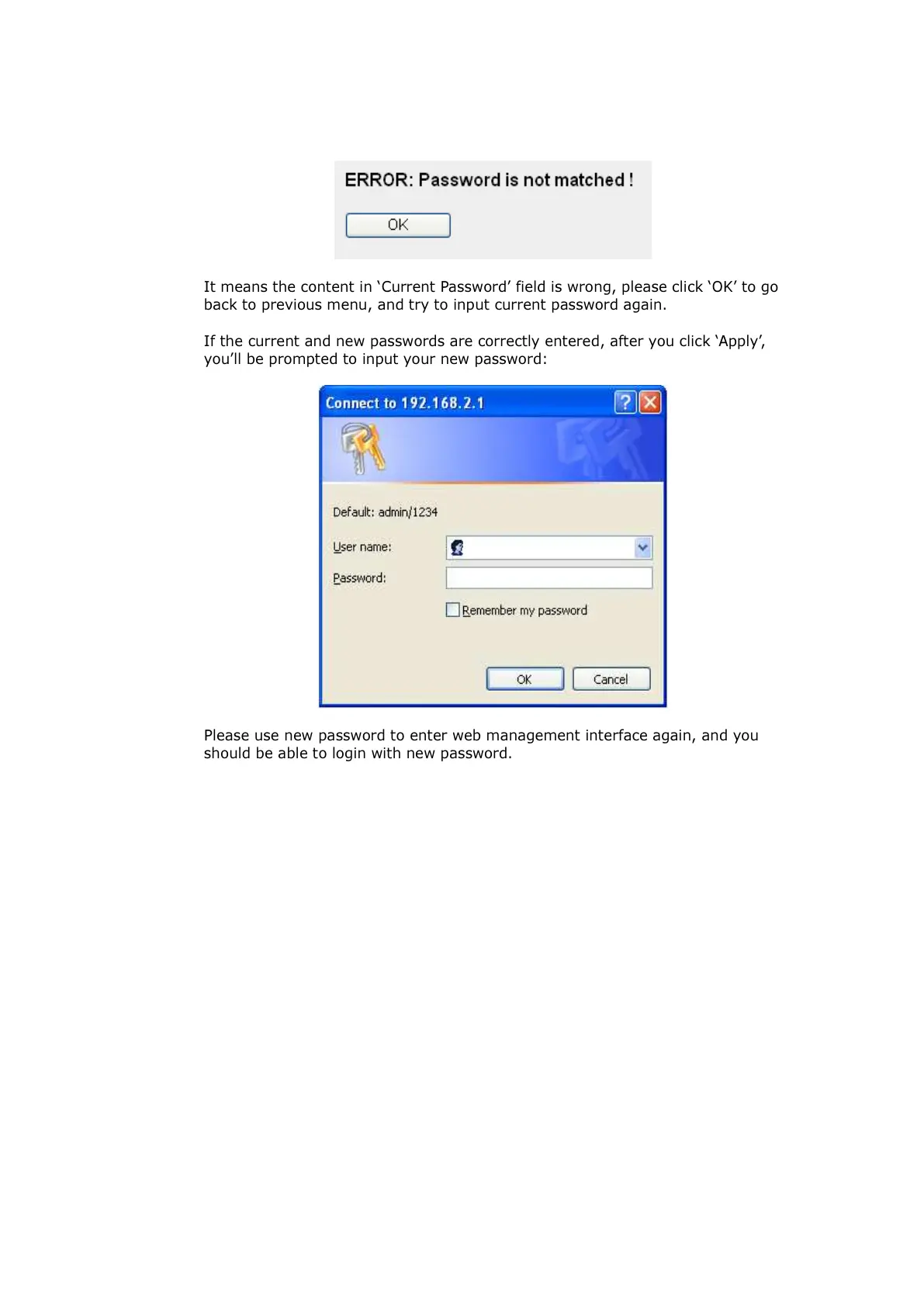
It means the content in ‘Current Password’ field is wrong, please click ‘OK’ to go
back to previous menu, and try to input current password again.
If the current and new passwords are correctly entered, after you click ‘Apply’,
you’ll be prompted to input your new password:
Please use new password to enter web management interface again, and you
should be able to login with new password.



 To Next Page