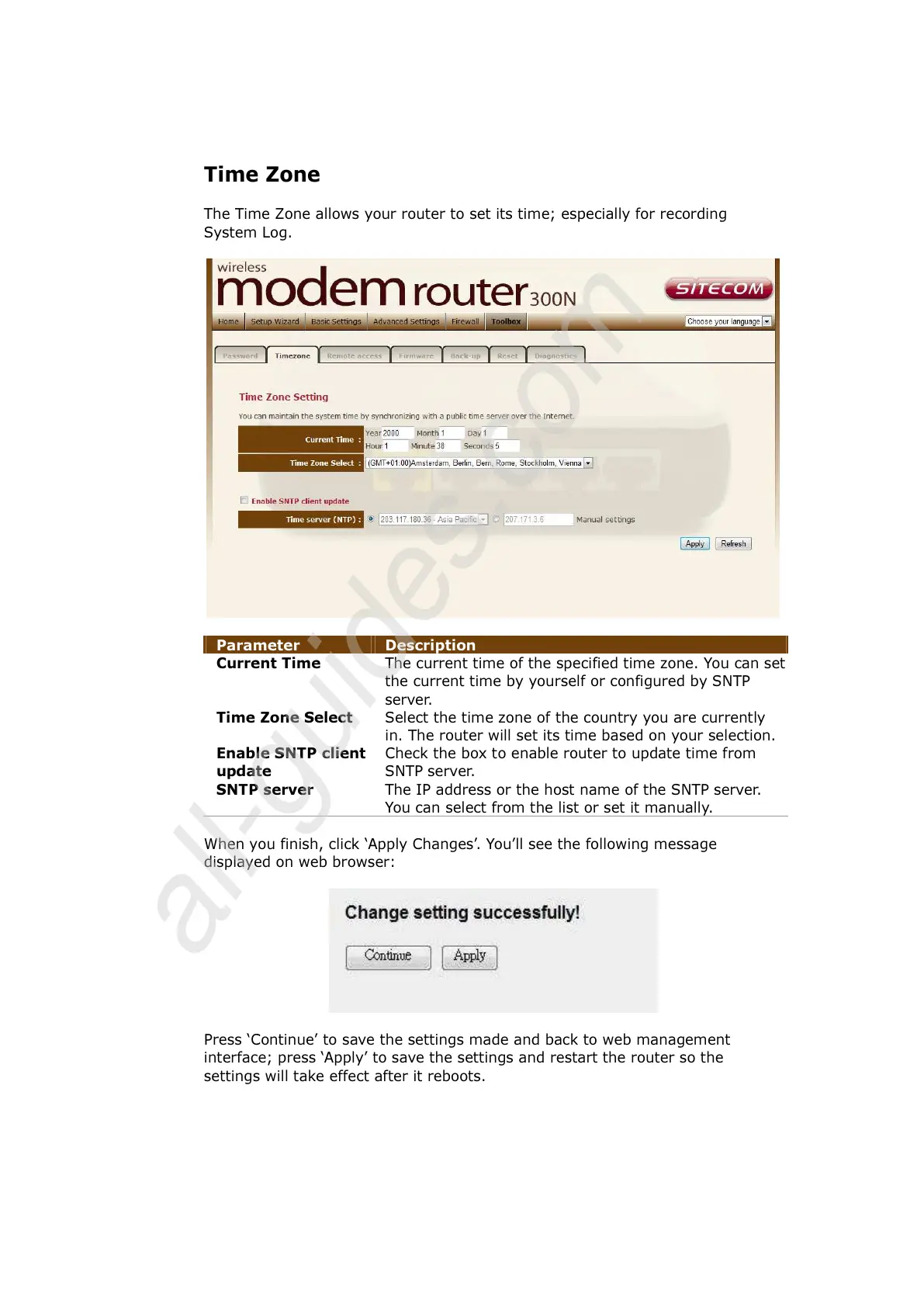
the current time by yourself or configured by SNTP
server.
Time Zone Select Select the time zone of the country you are currently
in. The router will set its time based on your selection.
Enable SNTP client
update
Check the box to enable router to update time from
SNTP server.
SNTP server The IP address or the host name of the SNTP server.
You can select from the list or set it manually.
When you finish, click ‘Apply Changes’. You’ll see the following message
displayed on web browser:
Press ‘Continue’ to save the settings made and back to web management
interface; press ‘Apply’ to save the settings and restart the router so the
settings will take effect after it reboots.



 To Next Page