passed to the DSL device in order for it to be
accepted into its routing table.
Send Mode Indicate the RIP version this interface will use when it
sends its route information to other devices.
RIP Config Table
If you want to delete some settings, please select the
settings and click “Delete Selected”.
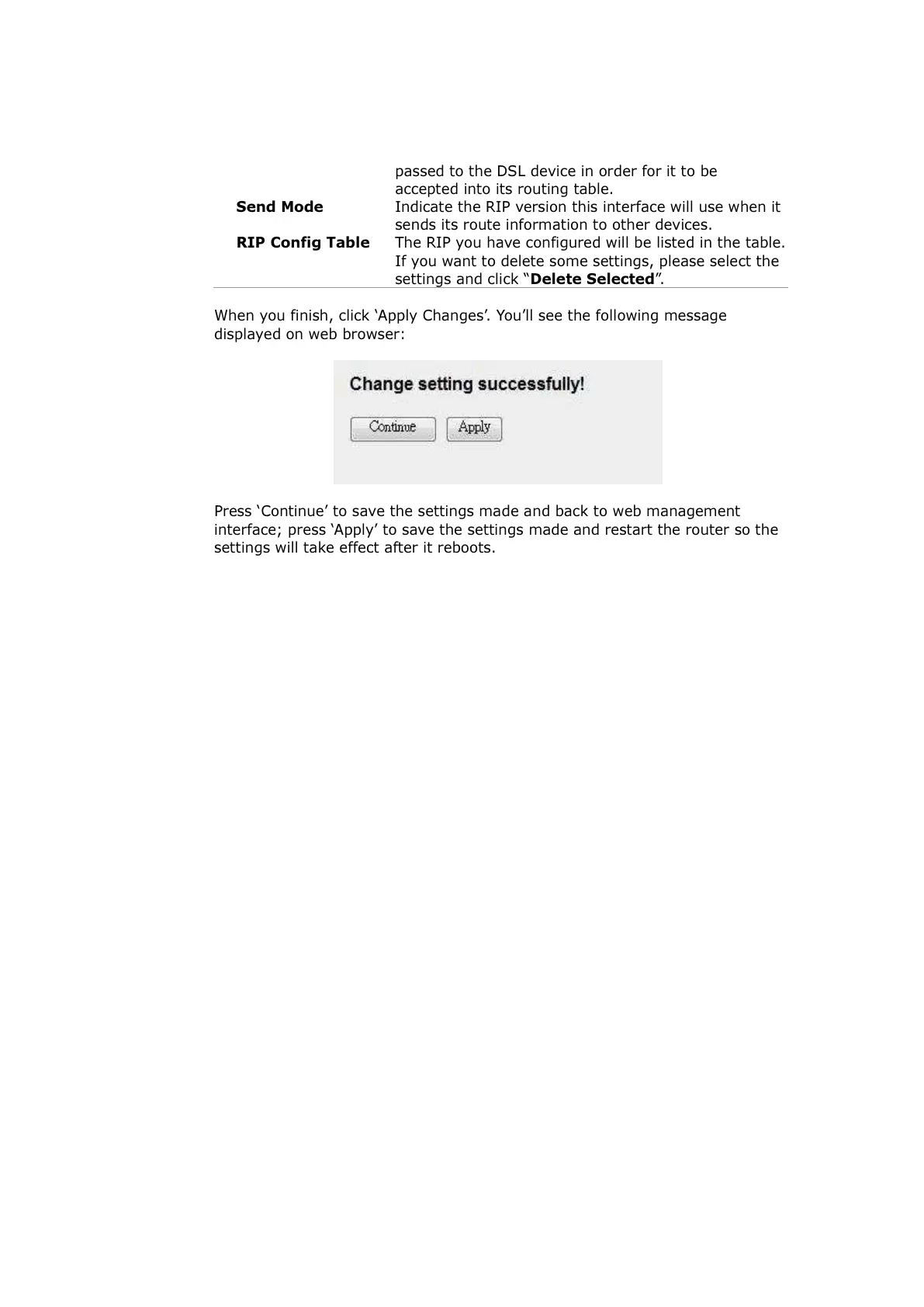
When you finish, click ‘Apply Changes’. You’ll see the following message
displayed on web browser:
Press ‘Continue’ to save the settings made and back to web management
interface; press ‘Apply’ to save the settings made and restart the router so the
settings will take effect after it reboots.



 To Next Page