Configuration Tools
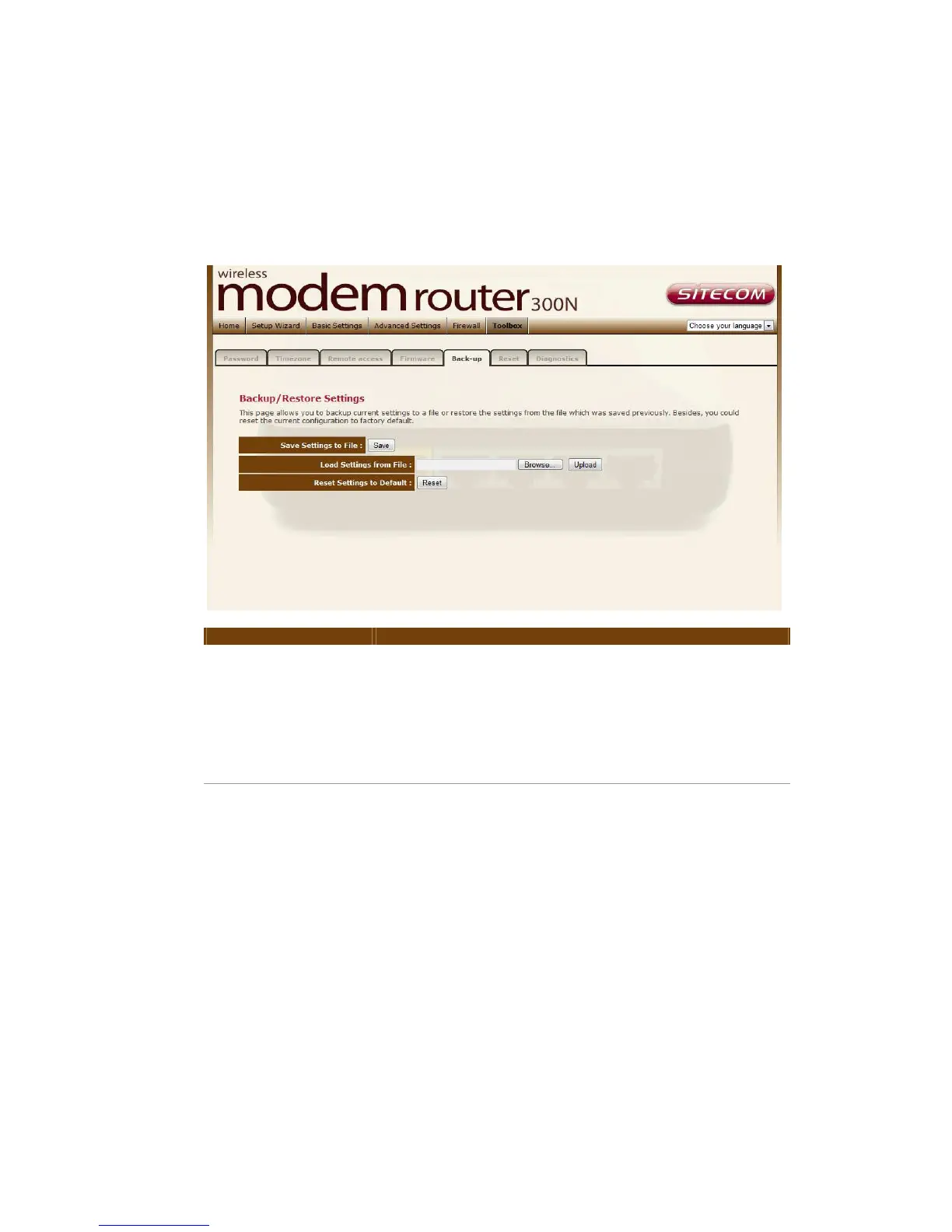
This page allows you to backup the current settings to a file or restore the
settings from the file which was saved previously. Besides, you could reset the
current configuration to factory defaults.
Parameter Description
Save Settings to
File
Click Save button to save the ADSL router current
configuration to a file named "config.bin" on your PC.
Load Settings from
File
Click Browse button to search the file you have saved
before and click Upload button to restore the saved
configuration to the ADSL router.
Default
Click Reset button if you want to force the ADSL router
to perform a power reset and restore the original
factory settings.



 To Next Page