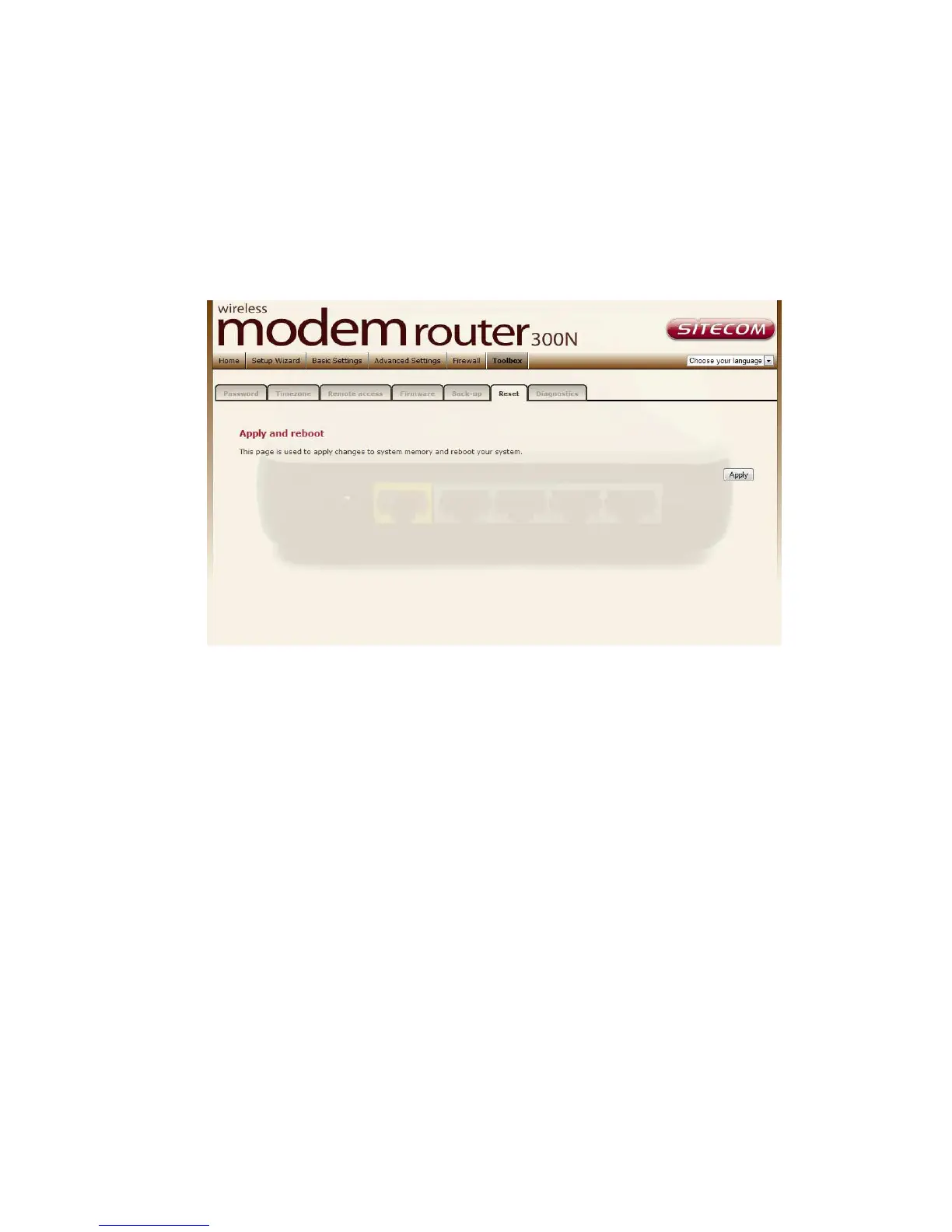
Reboot
Whenever you use the Web configuration to change system settings, the
changes are initially placed in temporary storage. To save your change for
future use, you have to click “Apply” to reboot the router. If you have
encountered problems during the configuration, You can click the “OPS” button
in the top panel of the router over 15 seconds to reset default settings.



 To Next Page