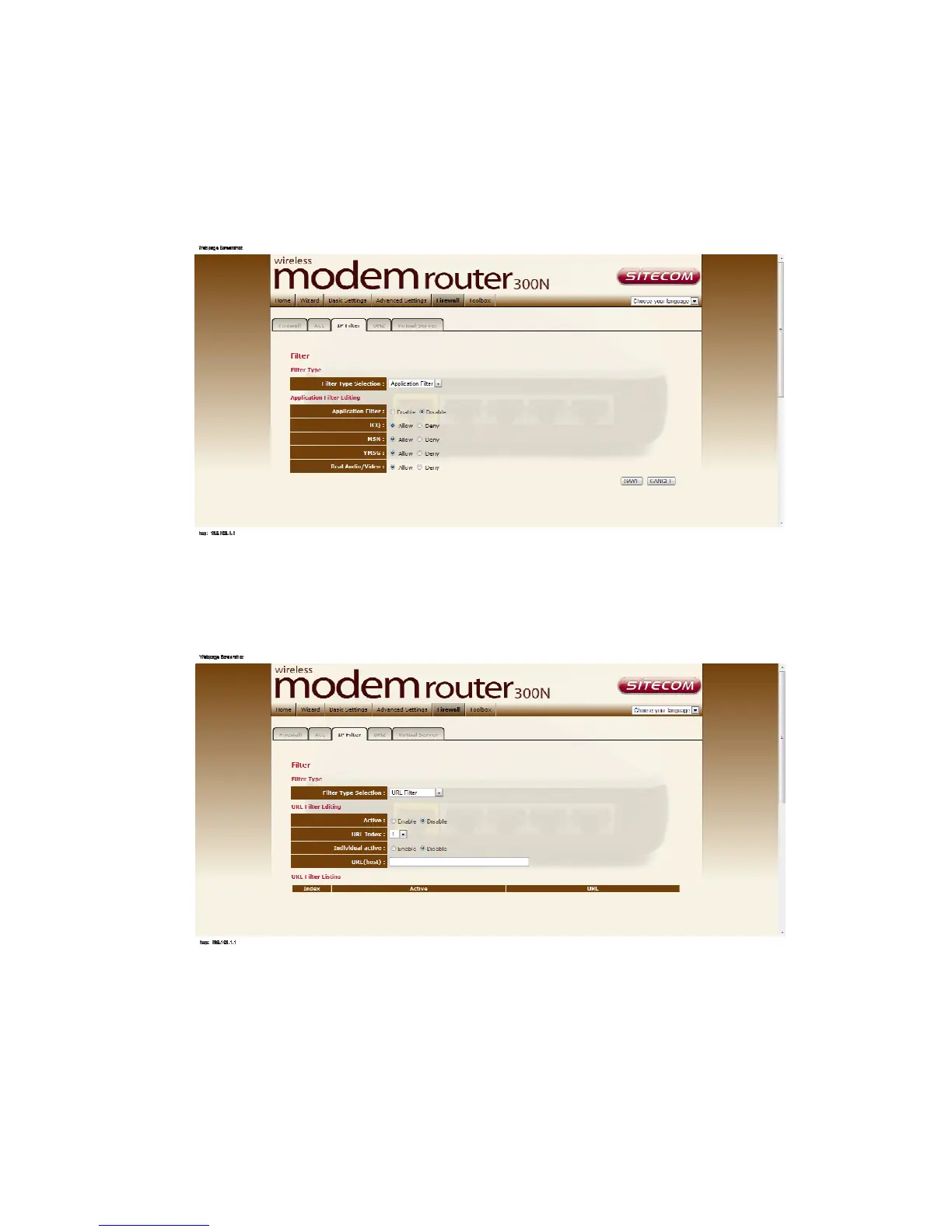
Application filter
Here you can choose which applications should be blocked or
allowed access.
Choose which application should be allowed or denied access and click ‘Save’ to
apply the settings.
The URL block
Here it’s possible to block certain websites.
Filter type
Enter the website you wish to block and make sure the rule is active.
Click ‘Save’ to apply the new rule.
URL Filter Listing
Shows all entered URL block rules.



 To Next Page