3 Product Layout
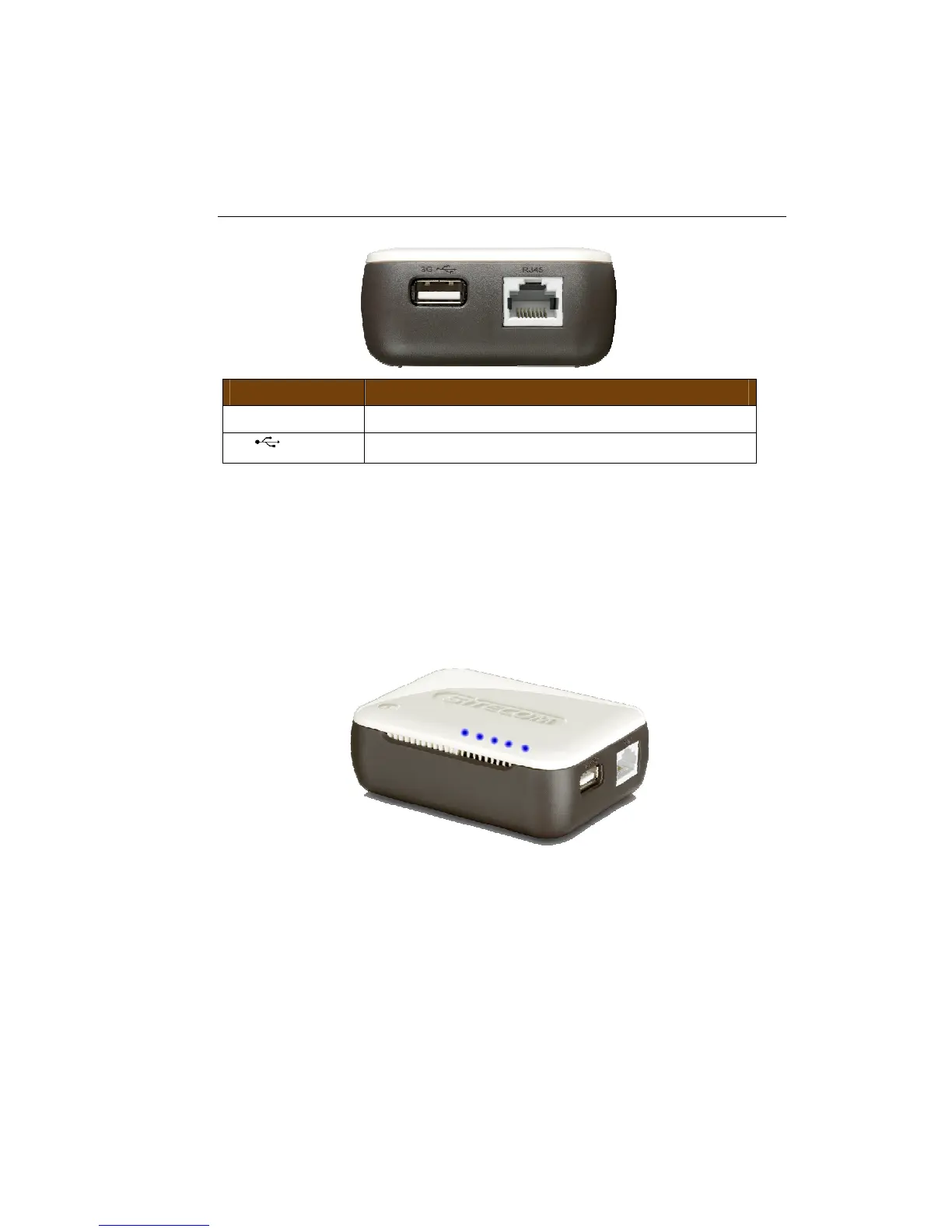
Port Description
RJ45 Connect your ADSL/Cable modem to this port
3G
Connect your 3G USB modem to this port
Top Cover
On the top cover you can see the LEDs that show the functionality of the
device. Also present is the OPS button which allows you to connect your
computer with a secure wireless connection with the push of a button.
From left to right the LED’s show the following:
Internet, Power, Ethernet, WPS, WLAN, 3G (USB)



 To Next Page