E |3
ACL
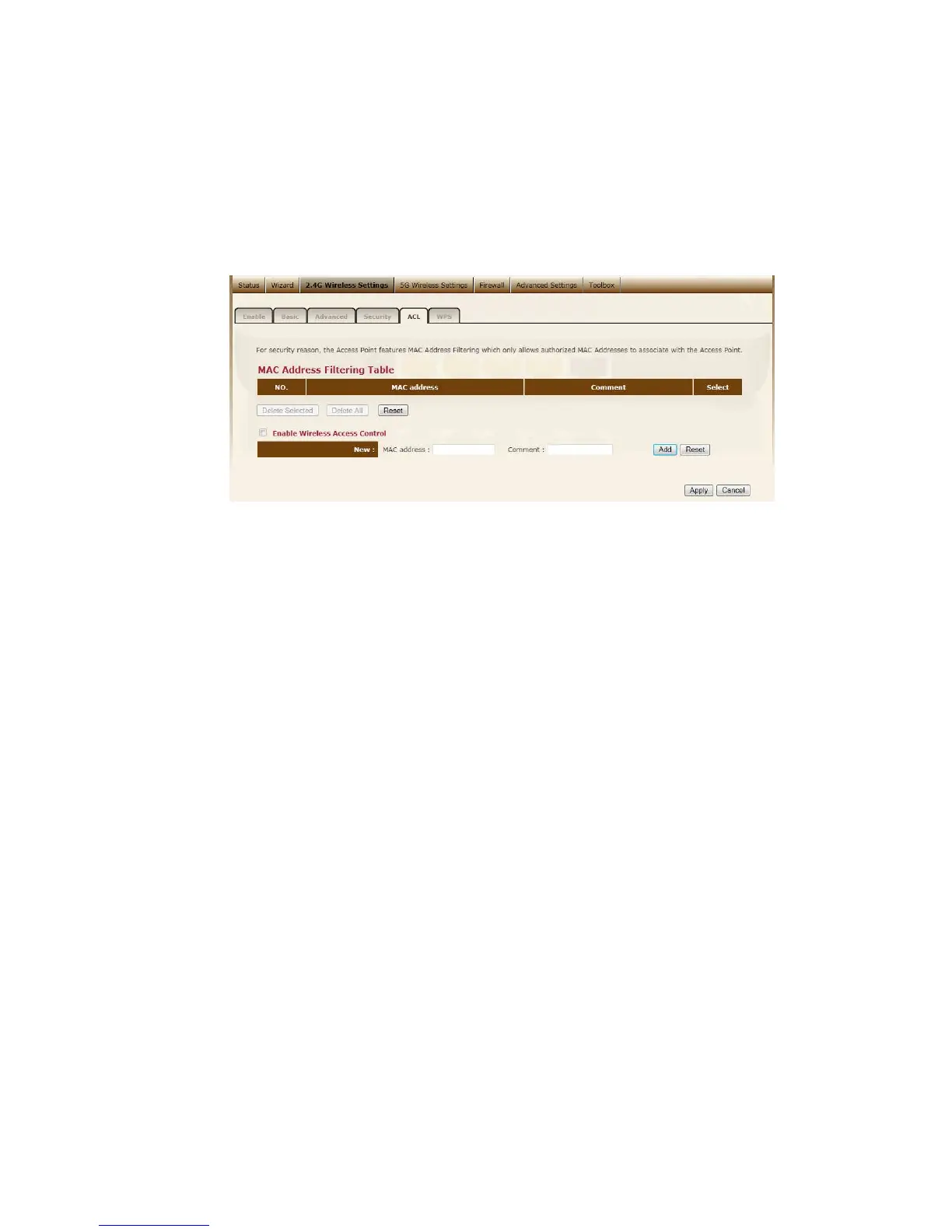
This wireless router supports MAC Address Control, which prevents
unauthorized clients from accessing your wireless network.
Enable wireless access control Enables the wireless access control function
Adding an address into the list Enter the "MAC Address" and "Comment"
of the wireless station to be added and then click "Add". The wireless station
will now be added into the "Current Access Control List" below. If you are
having any difficulties filling in the fields, just click "Clear" and both "MAC
Address" and "Comment" fields will be cleared.
Remove an address from the list If you want to remove a MAC address
from the "Current Access Control List ", select the MAC address that you want
to remove in the list and then click "Delete Selected". If you want to remove
all the MAC addresses from the list, just click the "Delete All" button. Click
"Reset" will clear your current selections.
Click <Apply> at the bottom of the screen to save the above configurations.
You can now configure other sections by choosing Continue, or choose Apply
to apply the settings and reboot the device.
WPS



 To Next Page