E |3
NetUSB installation
The steps to do installation for USB devices, like MFPs:
• Make sure the Sitecom WLR-6000 is turned on.
• Connect the USB device to Sitecom WLR-6000.
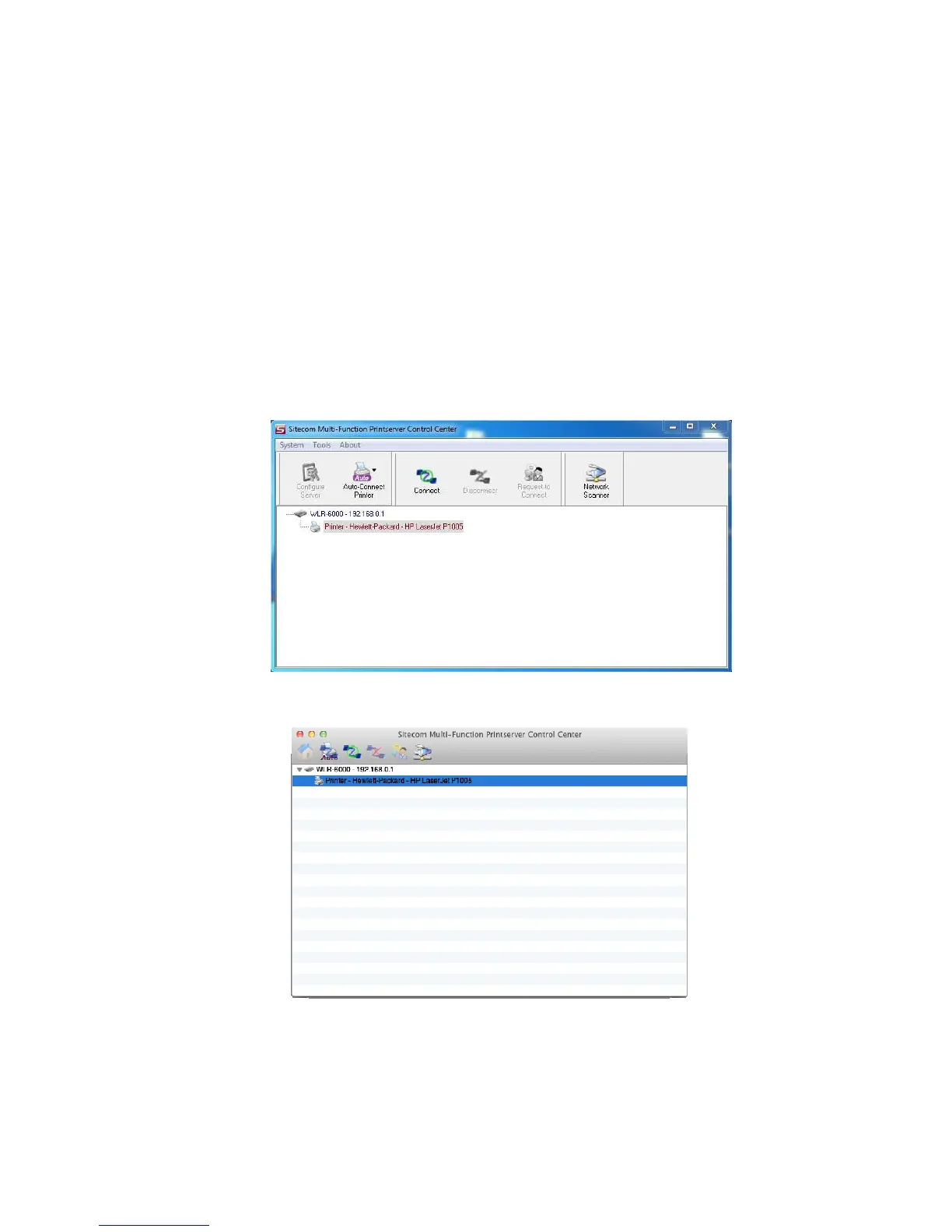
• Run the Control Center. In the “USB MFP Server List” window, you can
see the host names and IP addresses all of the Sitecom servers (in blue)
on the network, as shown below.
Windows
Mac OS



 To Next Page