E |3
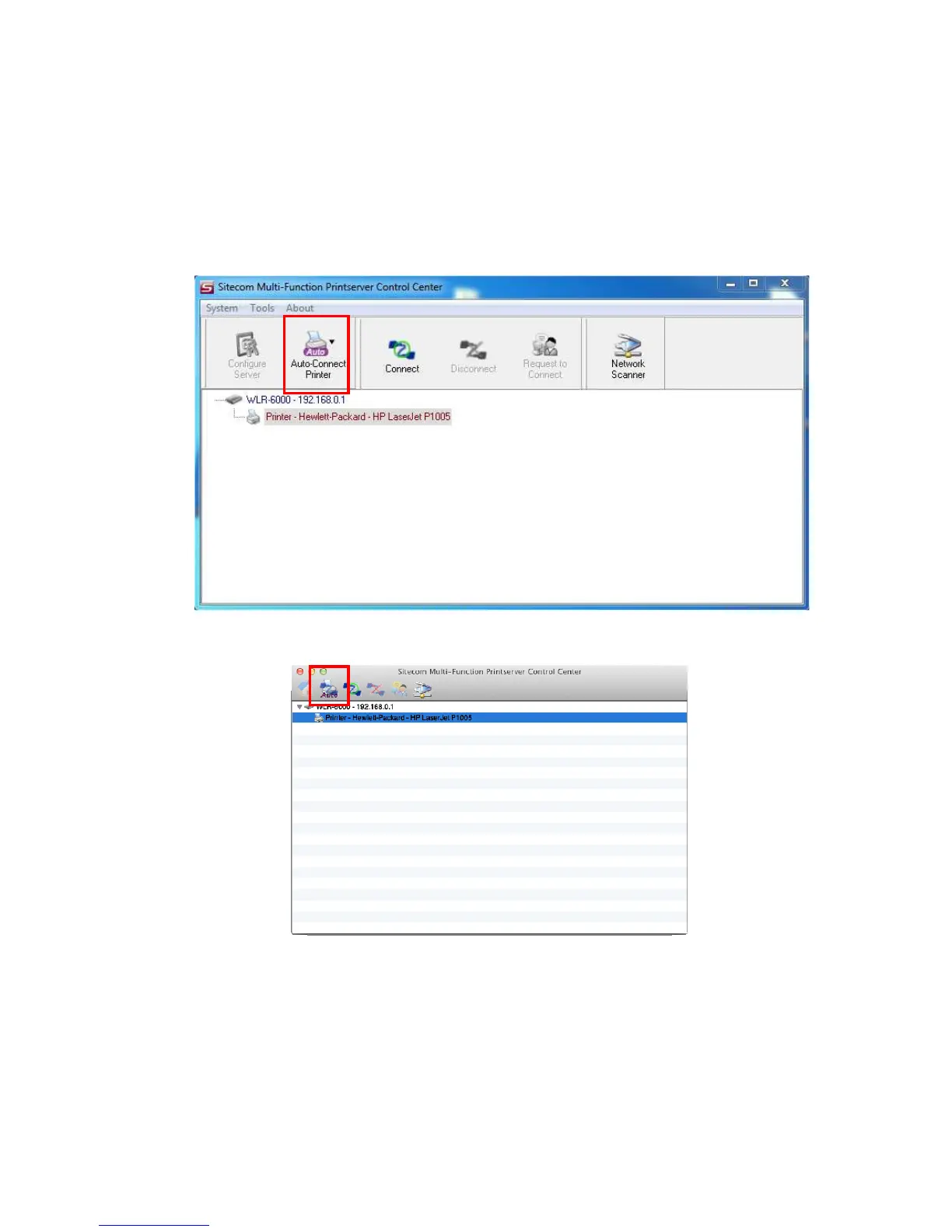
• When you are asked to plug in the USB device into PC’s USB port, click
the desired USB device in the Control Center and then click the “Auto-
Connect Printer” button to do the connect operation and get the
ownership of the USB device. The computer name of the device owner
will be shown at the end of the device.
Windows
Mac OS



 To Next Page