36 ForBusiness
ITALIANO
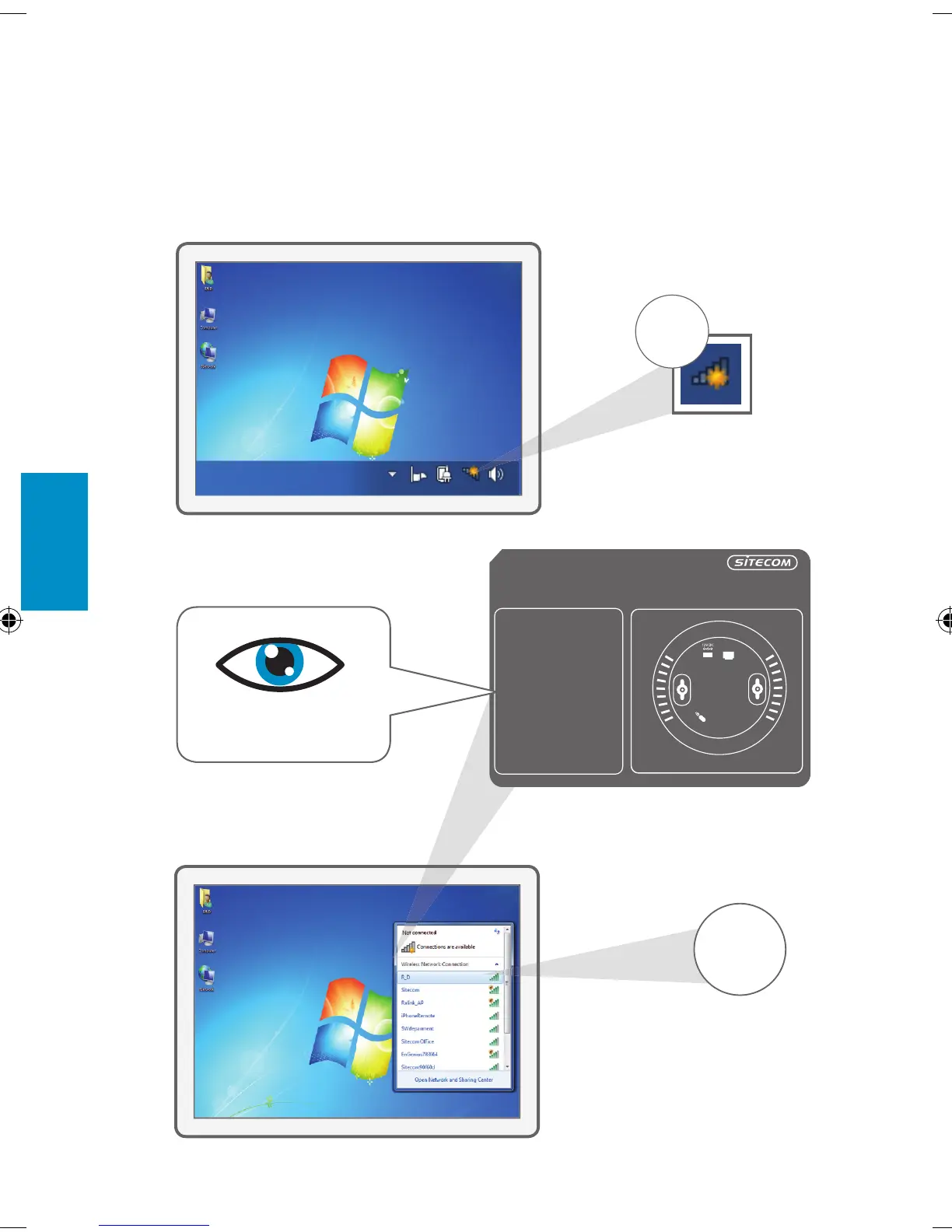
3a Collegare il dispositivo wireless access
point al PC
C
clicca
clicca
B
A
clicca
clicca
!
This sticker contains the unique codes of your Access Point.
Place this sticker on the back of the Installation Guide or keep this sticker in a safe place.
WLX-3000B v1 001
SC-20120627
To access the Access Point configuration,
type the following IP address in your
internet browser: 192.168.0.234
Username: admin
Password:
To make a wireless connection with this
Access Point, use the following details:
Network name:
WPA2 code:
Serial No.:
Ethernet
LAN
“Nomerete”
sull’adesivo
WLX-3000B_v1001_QIG_20120627.indd 36 28-06-12 10:39


 To Next Page
 Loading...
