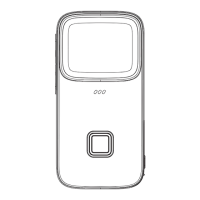
Power Button
• Turn the camera ON by pressing the Power Button for 3 seconds.
• Camera will start in Photo mode.
• Press the Power Button again to switch to Video mode.
• To turn camera OFF, press the Power Button again for 3 seconds.
• You can choose from 11 different background images by
using the Previous and Next buttons.
• Press the OK button to use the selected background image.
• Press the OK button then use the Previous and Next buttons to
choose from different background colors.
• Use the Back button to go to the previous screen.
Previous and Next Buttons
OK Button
Back Button



 To Next Page