EasyManua.ls Logo

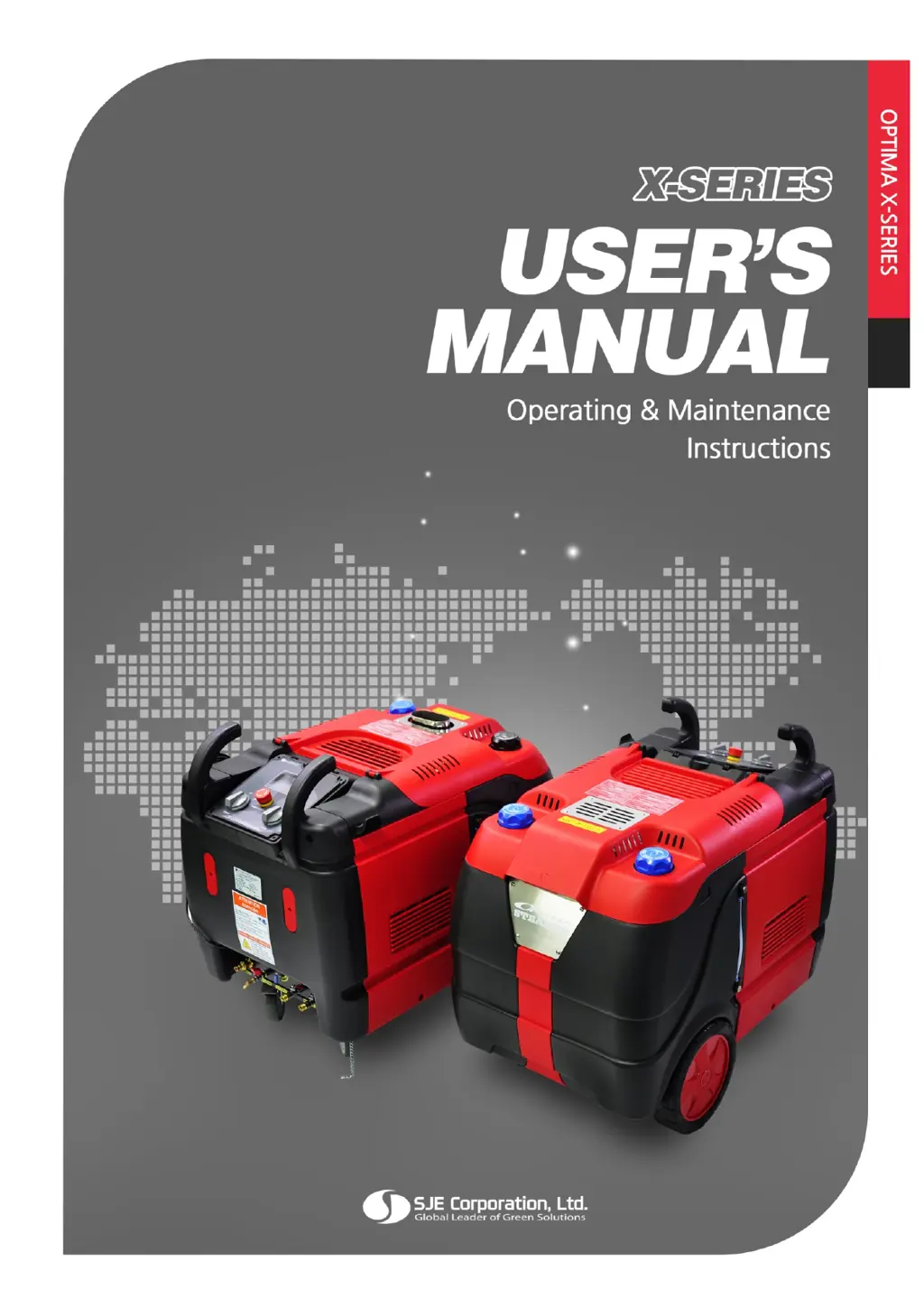
SJE OPTIMA X Series - User Manual

SJE OPTIMA X Series
40 pages
Print Icon
To Next Page IconTo Next Page
Loading...

Questions and Answers

Summary

Introduction

Applications

Product Specifications

Exterior Descriptions OPTIMA XD

Exterior Descriptions OPTIMA XE

Safety Precautions

Included Items and Accessories

Pre-Start Procedure

Standard Operating Procedure

LCD ICON DESCRIPTION

Explains icons displayed on the LCD screen during operation.

Adjust air flow (For OPTIMA XD)

Moisture Control

Emergency stop

Pause operation

Shutdown operation

Maintenance

Before to check product

Safety checks and precautions before performing maintenance tasks.

Maintenance Schedule

Table outlining maintenance tasks and their recommended frequency.

Drain boiler

Drain Water; Fuel tank

Replace filters

How to check and clean water probes

Freeze Prevention

Fuse change

Troubleshooting Guide

Symbol Description

Explains symbols used in the troubleshooting guide for error identification.

Error display and Solution

Lists error codes, their causes, and recommended solutions for troubleshooting.

Service Request

OPTIMA STEAMER Limited Warranty

SJE OPTIMA X Series Specifications

General IconGeneral
BrandSJE
ModelOPTIMA X Series
CategoryCleaning Equipment
LanguageEnglish