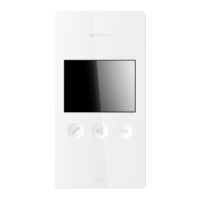
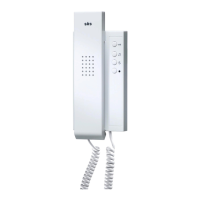
Switching on the ring tone
Press the ring-tone on/off key briefly. You hear a
signal tone. The ringtone is switched on again
and the LED above the speech key doesn’t blink
any more.
+ Changing the ring tone for
house calls
Press the ring tone key continuously and then
briefly press the open door key within 2 sec-
onds. With every press of the open door key,
you will hear a different tone. When you hear the
desired tone, release both keys.
You can choose from 8 different ring tones.
+ Changing the ring tone for
floor calls
Press the ring tone key continuously and, within
2 seconds, also press the open door key without
releasing it. Wait until you hear the desired ring
tone. Release both keys.
You can choose from 4 different ring tones.
Modifying the volume of the ring
tone
Press the ring tone key continuously until the
desired volume has been reached.
You can set the volume to 5 levels.


 To Next Page