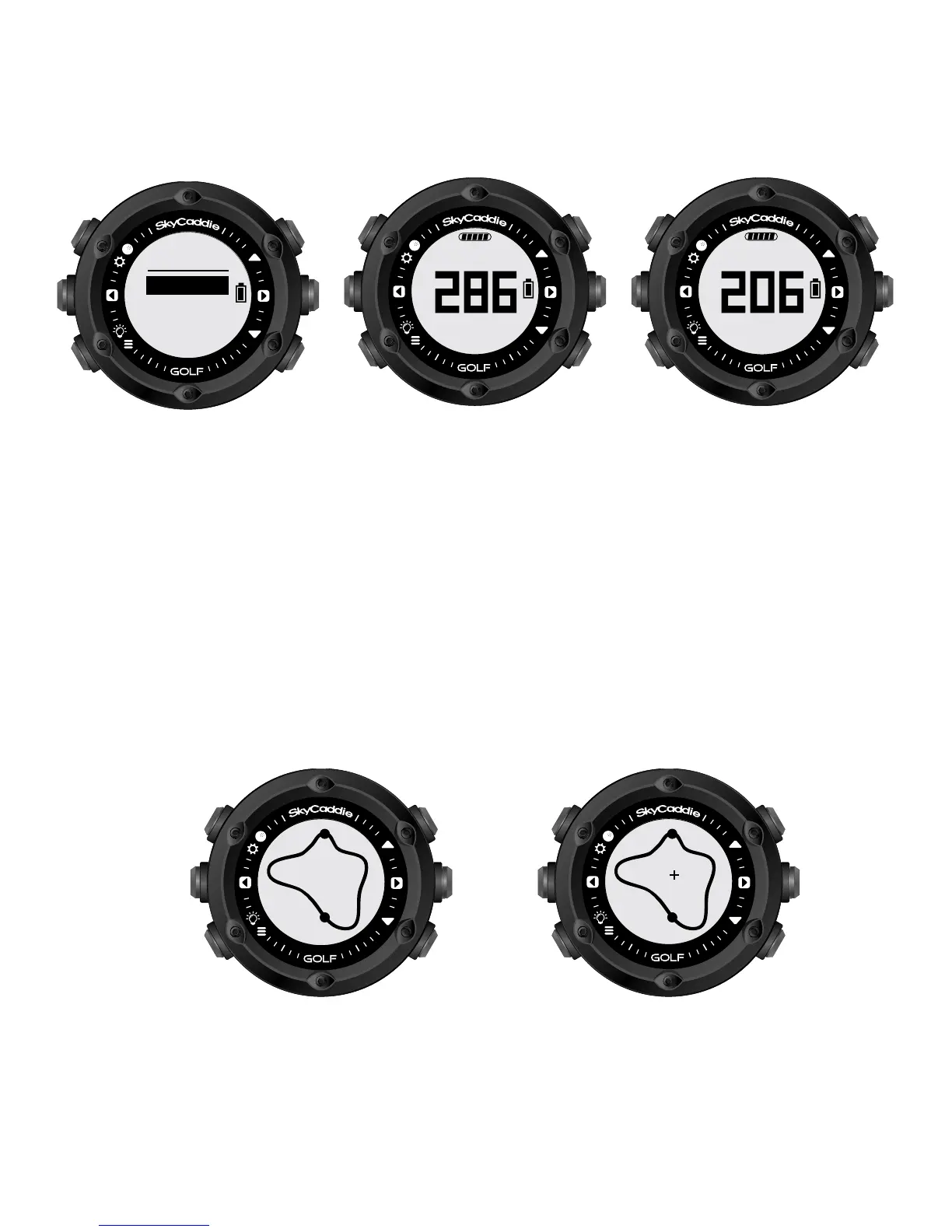
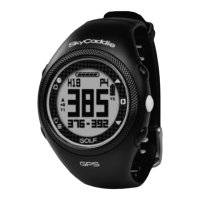
INFO View displays current time and elapsed time since starting
your round. After changing to other Views, your SkyCaddie LINX
will automatically return to the GREEN View if no button is pressed
for several seconds.
TARGETS View displays distances to hazards, carries and layups
located ahead from your position on the hole. Please Note: A full
TrueGround
®
Target List requires a SkyCaddie Membership
†
.
See p. 8 for details.
INTELLIGREEN
†
View displays the shape of the green from your
angle of approach. You can move the crosshairs, if desired:
6
LAYUP
150Y OUT
LAYUP
BNK R
target
TARGETS
INTELLIGREEN
157
menu
golf
time
demo
MENU



 To Next Page