Introduction
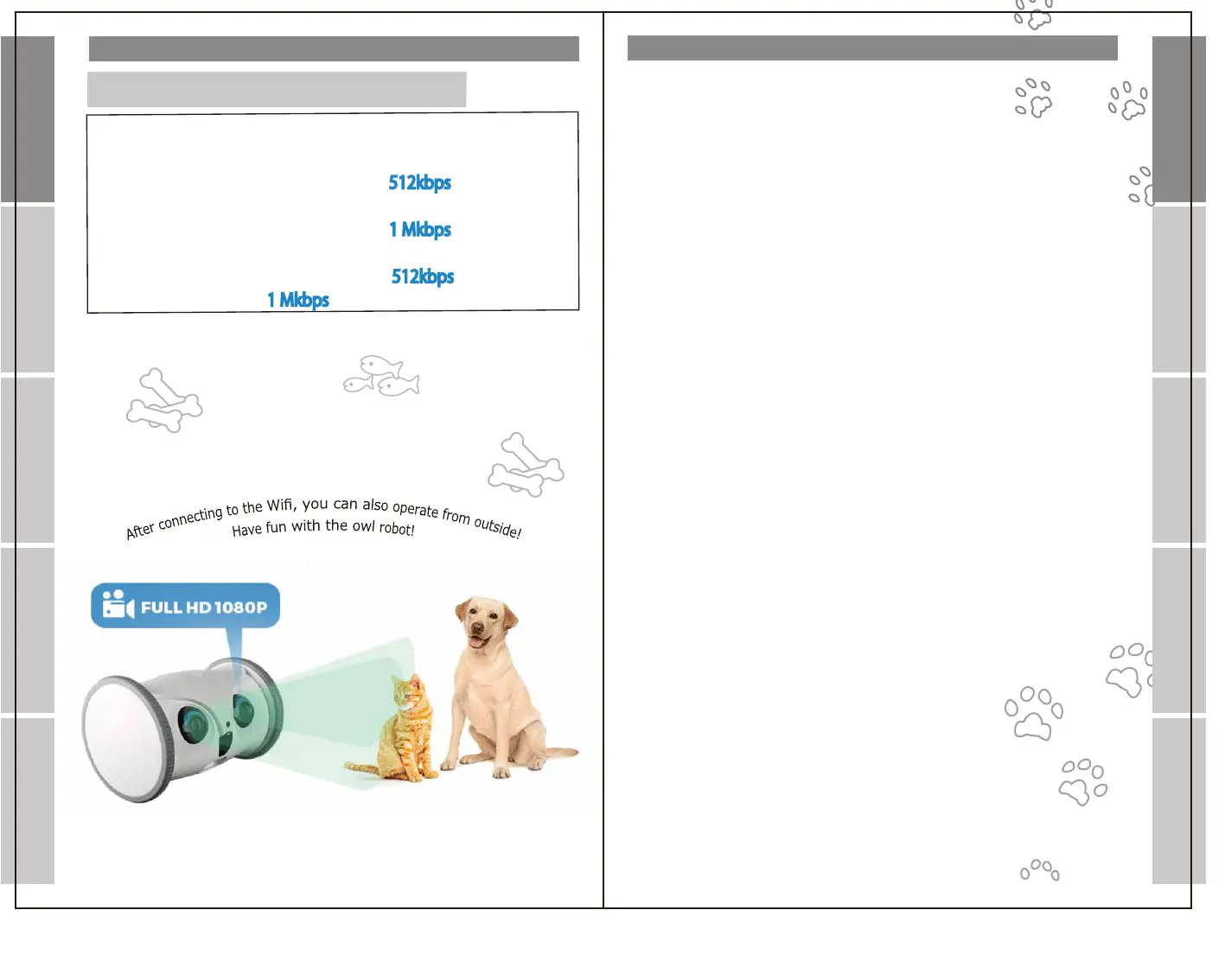
Minimumrequirementsforequipmentuse
1)Equipmentendwebrequirement
Incaseofstandardresolution,
theuplinkbandwidthspeedisatleast
512kbps
Incaseofhighresolution,
theuplinkbandwidthspeedisatleast
1Mkbps
2)Appendweb:
Theuplinkbandwidthspeedisatleast
512kbps
forstandard
resolutionandatleast
1Mkbps
forhighresolution.
Contents
Introduction
Introduction
App registration
Setting
Operation
Q&A
Q&A Setting
Introduction
Introduction
Contents
Packaging
Part Description
Before using
Download and install the dedicated app
Account creation ①
Create an account ②
password setting
Add device
Pet registration
Register another mobile device
App registration
Wi-Fi Connection①
Wi-Fi Connection②
When the wireless LAN connection does not work
Setting
Get ready to play
Menu screen ①
Menu screen ②
Device settings
Device Settings-
Outdoor Mode Instructions
Home screen
Operation
Q&A
・・・・・・・・・・・・・・・・・
・・・・・・・・・・・・・・・・・・・
・・・・・・・・・・・・・・・・・・
・・・・・・・・・・・・・・・・
・・・・・・・・・・・・
・・・・・・・・・・・・・・・
・・・・・・・・・・・・・・・
・・・・・・・・・・・・・・・・
・・・・・・・・・・
・・・・・・・・・・・・・
ー2ー
ー3ー
ー4ー
ー5ー
・・・・・・・・・・・・・・
・・
・・・・・・・・・・・・・・
・・・・・・・・・・・・・・
・・・・・・・・・・・・・・・
・・・・・・・・・・・・・・・・
・・・・・・・・・・・・・・・・・
・・・・・・・・・・・・・
・・・・・・・・・・・・・
・・・
ー10ー
ー11ー
ー12ー
ー13ー
ー14ー
ー15ー
ー16ー
ー17ー
ー18ー
ー6ー
ー6ー
ー6ー
ー7ー
ー7ー
ー8ー
ー9ー
・・・・・・・・・・・・・・・・
・・・・・・・・・・・・・・・
・・・・・・・・・・・・・
・・・・・・・・・・・・・・
・・・・・・・・・・・
ー20ー
ー21ー
ー22ー
ー23ー
ー2ー
App registration
Operation


 To Next Page
 Loading...