ITEM
SELECTION DESCRIPTION
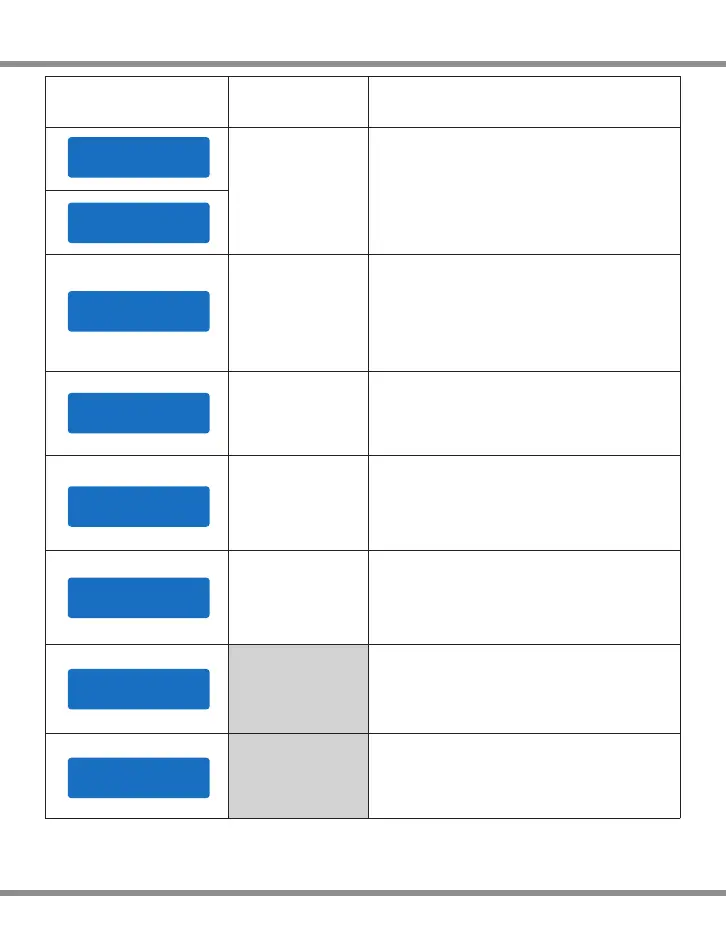
System Setting
N iMHS e n s itiv i t y
D .Pe a k D e faul t
N iCdS e n s itiv i t y
D .Pe a k D e faul t
Default: 4mV/Cell
5-15mV/Cell
K ey Be e p O N
B uzz e r O N
OFF/ON
The beep sounds at every time touching
the buttons to confirm your action. The
beep or melody sounded at various times
during operation to alert different mode
changes.
I npu t . P o wer Lo w
C ut- O f f 1 1.0V
10.0-11.0V
This program monitors the voltage of input
battery. If the voltage drops below the value
you set the operation forcibly terminated to
protect the input battery.
This program is for NiMH/NiCd battery only.
When the charger detects the delta peak
value reaches the value you set, the
charger will say the battery is fully charged.
L oad F a c t ory Se t
E nte r
V ers i o n
H W:1 . 0 0 F W: 1.1 0
Press ENTER to load factory default setting.
It indicates the hardware and firmware
version.
A C Max P o w e r Set
5 0W
0-100W
It is to set the max AC power of the present
channel. Once you set it, the another
channel will take the rest.
S ync h r o niza t i o n
O FF
OFF/ON
if you set it , channel 2 will synchronize the
same operation as Channel 1.
· 28
D400


 To Next Page