EasyManua.ls Logo

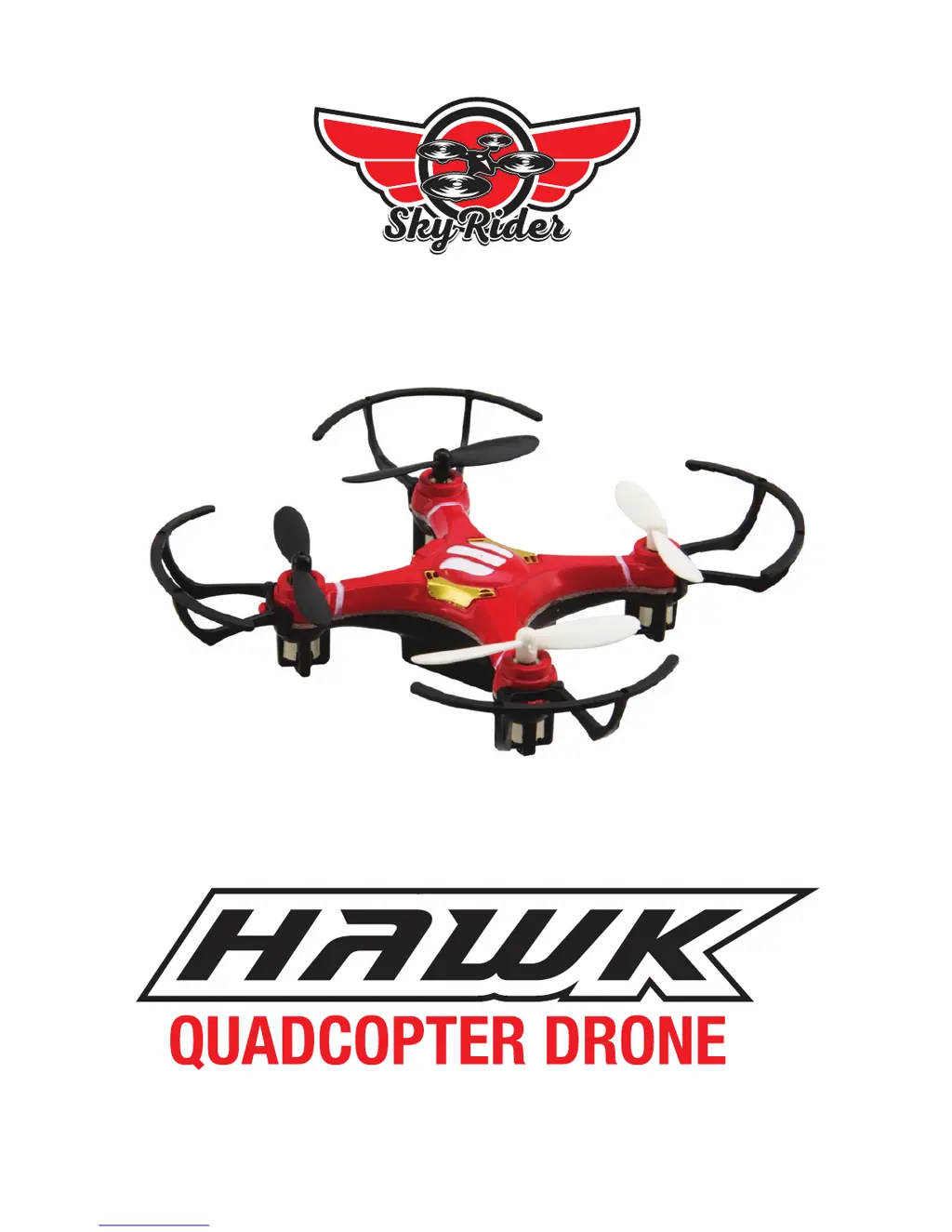
SkyRider DR176 - User Manual

Default Icon
18 pages
Print Icon
To Next Page IconTo Next Page
Loading...
Users Guide for Model DR176 v1571-01

Questions and Answers

  • S
    Sharon GonzalezJul 28, 2025
    What to do if my SkyRider Drones craft is unresponsive?
    • J
      jenniferfernandezJul 28, 2025
      If your SkyRider Drones craft is unresponsive, first, check the remote batteries and replace them if needed. Ensure the power plugs are firmly connected. Also, make sure the craft is within the remote's 65 ft. range. If these steps do not resolve the issue, consider performing a factory reset.
  • A
    Andre MitchellAug 4, 2025
    Why SkyRider Drones formation lights are on, but craft no longer responds to throttle?
    • P
      paigegardnerAug 4, 2025
      If the formation lights are on but the SkyRider Drones craft doesn't respond to throttle inputs, the battery power may be low. Check the craft’s battery and ensure it is fully charged. If this doesn't solve the problem, perform a factory reset.
  • S
    Sarah MannAug 11, 2025
    What to do if SkyRider DR176 Drones craft vibrates excessively?
    • M
      mcampbellAug 11, 2025
      If your SkyRider Drones craft suffers from mechanical difficulty or vibrates excessively, check to make sure the craft has not sustained significant damage to its body, rotors, or other major components.
  • M
    melissahoffmanAug 19, 2025
    How to stop SkyRider Drones craft from drifting in flight?
    • A
      aaronrussoAug 19, 2025
      If your SkyRider Drones craft drifts while in flight, the trim may not be set or needs adjustment. Adjust the trim settings to correct the drift.

Summary

Warnings & Precautions

Important Safety Instructions

Key safety guidelines for operating the drone, including general precautions and user responsibilities.

FCC Warnings

Information regarding compliance with FCC rules for digital devices and potential radio frequency interference.

Additional Safety Precautions

Further safety advice covering fire/electric shock risks, battery handling, and chemical exposure warnings.

Remote Control Operation

Batteries & Charging

Battery Charging Procedure

Instructions for charging the drone's battery using the included USB cable and a power source.

Pre-Flight Calibration & Setup

Craft and Remote Link Procedure

Procedure for linking the drone and remote control, ensuring gyroscopes calibrate for stable flight.

Trim Adjustment for Flight Control

Flying Tips and Advanced Features

Safe Operation Guidelines

Essential advice for safe flying, including choosing locations, takeoff procedures, and handling turbulence.

Repair and Parts Replacement

Troubleshooting Common Issues

SkyRider DR176 Specifications

General IconGeneral
BrandSkyRider
ModelDR176
CategoryDrones
LanguageEnglish