4
Enter your Google account or Gmail email address.
If you do not already have a Google or Gmail account, press the back
button on the remote to remove the onscreen keyboard and click on
Create Account. Follow the prompts and create the account.
This account is just so you are able to download applications from
the Google Play store, but is required to set up the device.
Click on Accept
Click yes for Location
You can click on Yes or No to help improve Android TV. We normally
click no.
Go through the tutorial on Google Assistant. Just remember that you
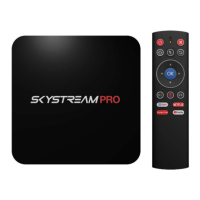
need to press the microphone button on the airmouse remote when
you want to use Google Assistant.
Choose a name for your SkyStream Device. It really does not matter
what you name it.
Press the right button to walk through the tutorial
The device is now set up. Please wait while it customizes the home
screen.
Please allow the device a few minutes to being loading apps onto
the home screen.


 To Next Page
 Loading...