EasyManua.ls Logo

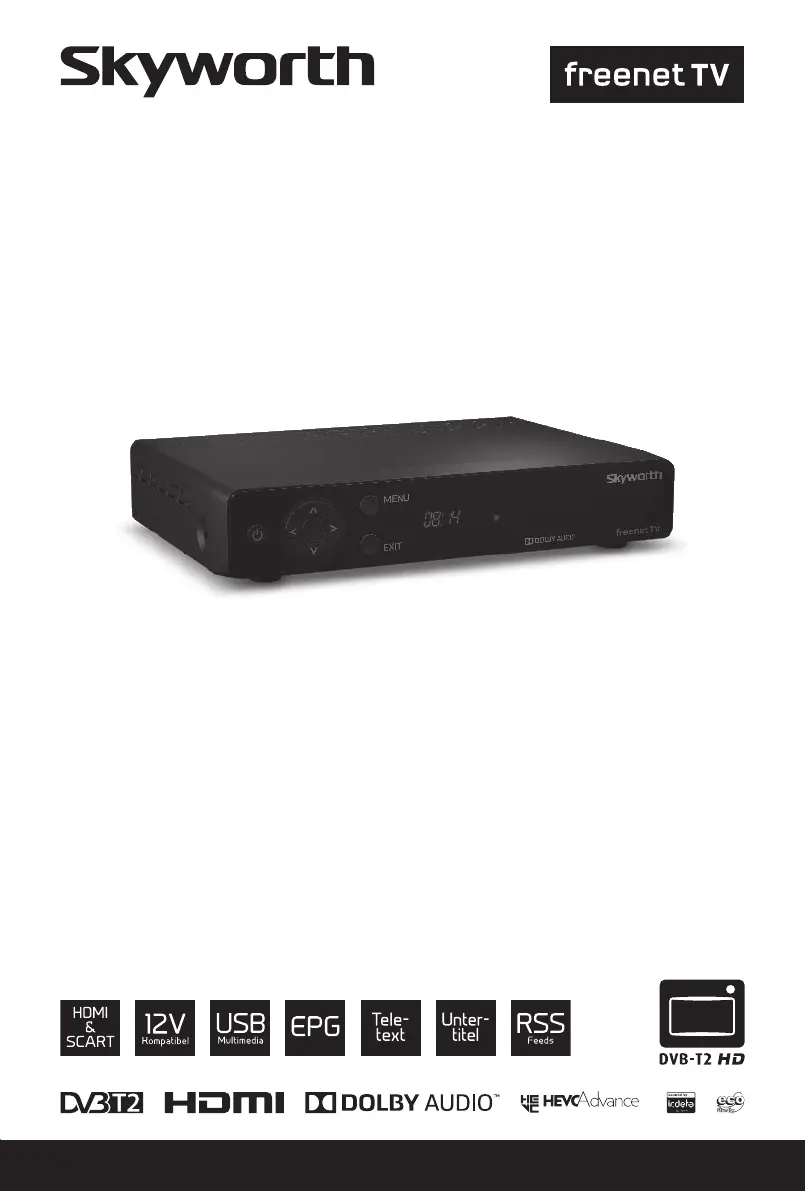
Skyworth SKW-T20 - User Manual

Skyworth SKW-T20
24 pages
Print Icon
To Next Page IconTo Next Page
Loading...
User Manual
Inhaltsverzeichnis
Empfänger für hochauösendes
Antennenfernsehen
SKW-T20
SM

Questions and Answers

  • C
    christophertaylorAug 14, 2025
    What to do if my Skyworth SKW-T20 says no signal?
    • M
      Michael JenkinsAug 14, 2025
      If your Skyworth TV Receiver displays a 'No signal found' message, first check the antenna lead to ensure it's properly connected. Then, inspect the antenna itself for any damage or misalignment. If you are in an area with a weak digital signal, consult your dealer. Finally, if you're using an active antenna, verify that the antenna power is switched on or that the external power is connected.
  • D
    Daniel SmithAug 18, 2025
    Why is the LED indicator not lit on my Skyworth SKW-T20 TV Receiver?
    • J
      James HessAug 18, 2025
      If the LED indicator on your Skyworth TV Receiver is not lit, check the mains plug to ensure it is properly connected.
  • Q
    qparkerAug 21, 2025
    How to stop my Skyworth SKW-T20 TV Receiver from turning off automatically?
    • S
      shannon03Aug 21, 2025
      To stop your Skyworth TV Receiver from automatically switching off, disable the Auto Standby function. See section 7.3.3.1 for details.
  • S
    Shawn PerezAug 25, 2025
    Why is my Skyworth SKW-T20 TV Receiver remote not responding?
    • T
      thompsonjamesAug 26, 2025
      If your Skyworth TV Receiver remote control isn't working, ensure the receiver is plugged in and turned on. Aim the remote directly at the front panel, removing any obstructions. If it still fails, replace the remote's batteries.
  • P
    plopezAug 28, 2025
    How to fix no picture or sound on my Skyworth SKW-T20?
    • A
      Angela PetersonAug 28, 2025
      If you're not getting a picture or sound on your TV or amplifier when using your Skyworth TV Receiver, make sure the correct HDMI or SCART input is selected on your TV or amplifier. Also, ensure your TV/amplifier is switched on and check the S/PDIF connection if applicable. If the unit is set to a higher resolution than your TV supports, select a lower resolution on the receiver.
  • N
    Nicholas McdanielAug 31, 2025
    Why does my Skyworth SKW-T20 TV Receiver picture freeze during video playback?
    • D
      davidbrooksAug 31, 2025
      If you're experiencing picture freeze, macro blocks, or similar distortion, particularly with HD content on your Skyworth TV Receiver, it could be due to a slow USB device. Ensure you're using a USB storage device with sufficient speed and space, as pen drives may not provide adequate performance.
  • H
    hamiltondustinSep 3, 2025
    What to do if my Skyworth TV Receiver loses signal after moving it?
    • A
      Alexandra MillerSep 3, 2025
      If you moved your Skyworth TV Receiver and can't get digital reception, press INFO on the remote to check the signal bars and adjust the antenna for maximum reception. If using an indoor antenna, the signal might be weaker; rescan the channels and check if the antenna power is on for active antennas. You may need to try an outdoor antenna.
  • M
    Michael BensonSep 7, 2025
    What does 'Scrambled channel' mean on my Skyworth SKW-T20 TV Receiver?
    • A
      Amy JacobsSep 7, 2025
      If you see a 'Scrambled channel' message on your Skyworth TV Receiver, verify that you have the necessary rights to view the channel.
  • A
    Amanda MillerSep 12, 2025
    What is the default parental control PIN for Skyworth SKW-T20 TV Receiver?
    • R
      rlewisSep 12, 2025
      The default PIN for Parental Control on Skyworth TV Receiver is 0000. For further assistance, contact your local Service Hotline or send an email to Support via www.strong.tv.

Summary

Service Center Information

Introduction to Skyworth Receiver

Safety Instructions

Essential safety guidelines for operating and installing the receiver.

Understanding Your Receiver

Remote Control Guide

Explanation of buttons and functions of the remote control unit.

Connecting the Receiver

Terrestrial Antenna Connection

Guide on connecting the terrestrial antenna to the receiver for signal reception.

HDMI TV Connection

Instructions for connecting the receiver to a TV using an HDMI cable.

Main Power Connection

Procedure for connecting the receiver to the main power supply.

First Time Setup and Configuration

Initial Settings Configuration

Configuring region, subtitles, scan mode, and screen settings during first use.

Antenna Adjustment Guide

Steps for adjusting the antenna and checking signal reception.

Quick Guide to Receiver Usage

Receiver Operation Features

Main Menu Navigation

Channel Installation Options

Accessing and performing channel scans and searches.

Software Update Procedures

Methods for updating the receiver's software for new features.

Troubleshooting Common Issues

Skyworth SKW-T20 Specifications

General IconGeneral
ModelSKW-T20
CategoryTV Receiver
Resolution1080p
Output InterfaceHDMI, AV
USBUSB 2.0
Power SupplyAC 100-240V, 50/60Hz
TypeDigital Terrestrial Receiver
Video DecodingH.264
Audio DecodingMPEG-1 Layer I/II, AAC